Search the Community
Showing results for tags 'Et'.
-
Hi everyone, I’ve played Enemy Territory for quite some time, but this is my first post on the forums. I recently created E.T: Theater Mode, a replay mod I started working on to make fragmovies. It lets you watch your own Jaymod demos through ET Legacy and use tools such as a timeline, player POVs, free camera, camera paths and customizable HUD settings. The download is available here: https://fearless-assassins.com/files/file/3026-et-theater-mode/ I’ve also made a video showing the mod. If sharing it here is allowed, I can add it to the topic. I wasn’t sure where to post this, so apologies if this is the wrong section. Feel free to move the topic if needed. Feedback is welcome. 🙂
-
How do people do the FG42 crouch peek? It moves the snipers model lower so it's not visible, but the shooter still has perfect vision. It looks like it has something to do with the walk animation, but it only happens sometimes. Other times they look completely crouched but can still peek.
-
To not jump over engineers while they're disarming a land mine. Also not to gather too close to a teammate when going against a panzernoob.
-
Hello. I know there is a topic called "Ingame Screenshots", however the name suggests it is rather not for in game recordings, that's why I decided to create completely new topic with all our recordings. First I will start with my "Wolf ET - Bloopers and unusual frags" compilation. It's amusing to see a compilation dedicated to random, weird and funny stuff and not only a frag showcase. I have a lot more bits of recordings and plan to create a series of these videos. Black textures or absurdly thick wires from trap mines are an effect of newer experimental renderer I struggled with. With old regular renderer everything looks normal. Please like and share ?
- 473 replies
-
- 18
-

-

-

-

-
NoQuarter V1.3.1 Release I have been working on updating the NoQuarter mod to optimize it for use with modern ETLegacy, the main goal of this project was to merge some of the updated features of Legacy with the older outdated mod and a pretty good amount has been changed. First and foremost I am no professional so my apologies for any sloppiness or unfound bugs, with that out of the way let's get to what's new. The top of my list was to get the lua compatibility working and I believe I have gotten all that fully functional and very reliable compared to the previous versions it remains lua 5.1 for now but may update to 5.4 later I have also tried to include as much documentation as possible for lua with NQ as its always been rather vague and confusing (at least to me). Second is getting NQ fully compatible with legacy on the host and client side it is now stable in that aspect and supports both 32 and 64 bit host and client for full access to the capabilities of legacy and modern Omni-Bot, on the topic of the src code I've modernized the NQ src including a C-Make system for easier use modern systems. The smaller items, updates to widescreen compatibility were made to actually support modern aspect ratios and resolutions, addition of may of the ui updates in legacy modern intermission menu with map vote update text font and plenty of other small items (ref. readme file), finally in an effort to better document things I've included AI agent marker file so to hopefully minimize avoid playing 20 questions if using AI assistance for any development as well as a model file that can be used with a local LLM if so desired for troubleshooting and general questions about the src code and mod installation. I will continue to mess with this and make improvements so look for updates I'll be happy to help with any questions as best I can. NQ V1.3.1 Pre-Compiled Packaged Mod https://github.com/DL-LAM/NoQuarter-1.3.1-32-bit-and-64-bit-/releases/tag/NQ_v1.3.1 NQ V1.3.1 Source Code https://github.com/DL-LAM/NoQuarter-1.3.1-32-bit-and-64-bit-
-
Hi, I would like to start a new thread on what players are good together. I'm starting off with Codyf92, Ur4nus and Blenix. Three fierce, quick and powerful obj fiends. They cary the team so much to the point that they earn several consecutive victories when grouped. Note : when you see them together, it's probably a sign that you should pick another time to play ET, should you make the terrible mistake of playing on the defensive team where they play the least.
-
hi all. im trying to remember the name of a large map. its similar to rhineland bridge but much bigger in size. it has railways, tunnel, rail bridges, a river if i remember correctly. hopefully this helps. if anyone knows the map im talking about. ty
-
Source code at: https://github.com/RngesusSolutions/jaymod2.2.0 Full Change log at: https://github.com/RngesusSolutions/jaymod2.2.0/commit/fd9f42394fed91098184d3fa020ff264cd6b4478 Precompiled for those that chose not to compile themselves: https://github.com/RngesusSolutions/jaymod2.2.0/releases/download/2.3.0/jaymod-2.3.0.zip Jaymod 2.3.0 is a fairly large update, with most of the work focused on fixing frame-rate-dependent behavior and cleaning up a number of older gameplay and server issues. The biggest change is that several systems now use actual elapsed time instead of relying on frame count. Weapon cooling now keeps the fractional remainder between frames, which means weapons no longer overheat early at high FPS. The STEN heat limit was also changed from 1200 to 1350 so it still gets the intended 16-shot burst after the cooling fix. Recoil now runs on a fixed 15 ms schedule, turn spread keeps fractional changes instead of rounding them away, uniform stealing now takes 2.5 real seconds, and flame range no longer changes depending on sv_fps. The pmove_fixed leaning crash has also been fixed. Fixed-movement clients should no longer build up commands in antiwarp, show inflated ping, or receive false Connection Interrupted messages. Shooting and movement received a number of corrections as well. Crouched bullets and +activate traces now start from the correct eye height. Mounted MG42 fire now lines up properly with the crosshair, crouch-spam scripts are rate-limited, and prone clearance keeps the leg offset that was actually trace-tested. Overkill damage now only awards XP for health that was actually removed. Dead players can no longer shove, and dead or feigning players can no longer be shoved. Crosshair offsets now use real screen pixels at any resolution, and antilag reconciliation can be adjusted with g_hitmodeAntilagInterp. Weapons and equipment also received several smaller fixes. Thrown knives eventually stop bouncing instead of rattling around forever. Satchel detonators now check the correct clip value and no longer switch away randomly. Weapon cycling now skips binoculars by default, although cg_cycleBinoculars 1 restores the old Jaymod 2.2.0 behavior. A new cvar, g_panzerMapLimit, can be used to stop one player from holding the panzer every map. For example, with g_panzerMapLimit 3, a player can receive the panzer for three completed maps in a row. They are then locked out for the next three completed maps before they can take it again. The system tracks the player by GUID in user.db, so reconnecting does not reset it. A map only counts if the panzer was actually granted, and map_restart does not advance the counter. There are also fixes for tank and emplaced-gun mounting, fire-support message spam, engineer defuse traces, and landmine spotting. Mines spotted in the same batch now share a single announcement and score update, which also reduces unnecessary snapshot and ranking work. Spectator and score handling has been cleaned up too. Spectators now keep their own score instead of inheriting the score of the player they are following. Players waiting to spawn can only follow their own team, and limbo followers are moved if their target changes teams. Scope FOV and reticle state are now cleared after spectating a scoped player. A full g_maxGameClients now only blocks spectators who are trying to join. Changing class or team on a full server will no longer dump an active player into spectator. End-of-map XP awards now use XP earned during the current map instead of career totals. Per-map revives and headshots reset correctly, stale stats are no longer restored when a new stats period begins, and projectiles can no longer continue dealing damage after their owner disconnects. The ignore list now applies to voice chat as well as text chat. cg_noVoiceChats is now a bit field: 0 - Hear everything 1 - Mute all voice chat 2 - Enables the team-voice exception without muting anything by itself 3 - Hear team and fireteam voice only, with global voice muted The lagometer now draws all 48 samples correctly at every resolution, and the crosshair and no-shoot indicators use the same pixel-accurate offset. There are several server-side improvements as well. The Admin DB can now autosave on a timer using g_dbAutoSave. Servers can require a matching Jaymod client version with g_requireClientVersion, and map scripts can read the current active Axis and Allied player count through g_playerCount. Weapon-to-item lookups are now cached, command-map entity messages use fixed buffers, Axis and Allied landmines are counted in a single entity pass, and event-count overflow now fails safely instead of creating invalid network events. New server cvars: g_requireClientVersion g_dbAutoSave g_aimSpreadTurnScale g_hitmodeAntilagInterp g_playerCount g_panzerMapLimit g_debugBullets New client cvar: cg_cycleBinoculars Overall, 2.3.0 is mainly about making Jaymod behave consistently across different frame rates while fixing a number of long-standing issues in movement, weapons, spectators, scoring, voice chat, networking, and server administration. This fixes 100% of the valid bugs listed by user cake @ https://github.com/cakeET/jaymod/issues If anything thats remains unpatched or I have patched improperly please open an issue on github
- 7 replies
-
- 17
-

-
-
-

-
-
I'm starting to put together a bug release for Jaymod. The goal of this release is to fix the known issues with the current version, 2.2.0. Please add a comment below describing any issues you are aware of and the steps to reproduce or create a new issue on this github repo. A few notes: 1. This is not for feature requests. 2. Game engine bugs in 2.60b or Legacy that affect Jaymod in some unique way are welcome. 3. Do not publicly post issues that will cause server crashes or other serious exploits. Send a private message to me here or on discord (cake#2051). Here are the issues I am aware of already: - spectator target leaks to other players - bullet origin is wrong when crouched and aiming 30 degrees or more downward - hitboxes lag behind moving players - various issues caused by sv_fps other than 20 - team change and disconnect friendly fire exploit - dead player spectating wrong team - remove all disabled options from vote menu - knife spinning sound and entity issues - MG sighting is wrong - compass broken on localhost - restrict view angle commands - limit hitbox manipulation by spamming crouch - limit mount/unmount rate on movers - remove FPS dependent recoil - fix end of map awards with g_gametype 2 - panzerfaust XP - proning near walls/objects - cg_autorate causes lots of server console and log spam - crosshairs are not centered at most resolutions - covert ops satchel detonator weapon switch issue - remove FPS dependency from turn spread - reduce "insufficient fire support" voice spam - limbo and team/class change with full teams moves player to spectator - ignore command doesn't do anything - covert ops in disguise with any weapon exploit - shoves issued after a player has died (at the server) are still propagated - extra delay when switching weapons while taking damage - lagometer partially repeats itself at high resolution - timenudge cvar range (-50 to 50) does not match actual internal state (-30 to 30)
-
I want to start this off by saying that for the most part I enjoy playing in this community, but in the past few months, it's getting very tiring to just continue to be at a disadvantage because of what I will call unfair advantages. I'm not outright saying there are cheaters, but how else can you explain how some of the following things happen on a regular basis......... I'm killed by being hit only 2 or 3 times, but the opponent that I've hit 5 or 6 times still has ~80hp left. Many times I have been on spec and watch shotgun battles of players getting hit 4 or 5 times at close range before being killed, but I have never survived more than 2 shotgun shots from any range. I have to shoot an enemy a minimum of 7-8 times to kill them (that usually includes at least 1 headshot). I'm being shot through multiple smoke/poison smoke screens. I've been sniped many times by a single headshot through smoke screens as I'm laying down on the side of a hill in the Capuzo map as I wait for the smoke screen to clear out without firing a single shot to give away my position. Enemy knows exactly when to shoot at me when I come out from behind a wall/around a corner/out a door/etc... Even running back & forth from behind cover, they know to only shoot when I'm about to come out from behind cover. I sustain multiple headshots from an enemy from half way across the map. This is not just from snipers, Many times, I have been killed by 2 or 3 headshots in a row from other classes from long distance. When speed jumping across an area and I step on a mine I die, but I watch others do the same thing & survive. No matter what I do to avoid being shot, once I get hit once I can't avoid being shot again. It's pretty much an automatic kill. I get stopped in my tracks and cannot avoid anything. I can deke back & forth a bit, but never avoid taking fire. On the opposite side, I can have my reticule directly on an enemy at fairly close range and still not register a hit on them until I've fired 2 or 3 times. When I do hit them, they are easily able to avoid my gunfire. Honestly, it seems as though many players are using a script/hack to decrease damage to themselves or decrease their hitbox size. and also be using some sort of aimbot. If there are some legal scripts to use to help alleviate any of these things, can someone let me know what they are and how to properly install them. I am getting beyond frustrated to just be fodder for any enemy. I have always believed in fair play and I do just play thins game for fun as a distraction from my work when I get the chance. I'm not ultra serious about it, but I hope some of you understand how frustrating it is to always feel at a disadvantage. Also, I encourage any admin to spec me while playing to see what I'm talking about. Thank you for listening.
-
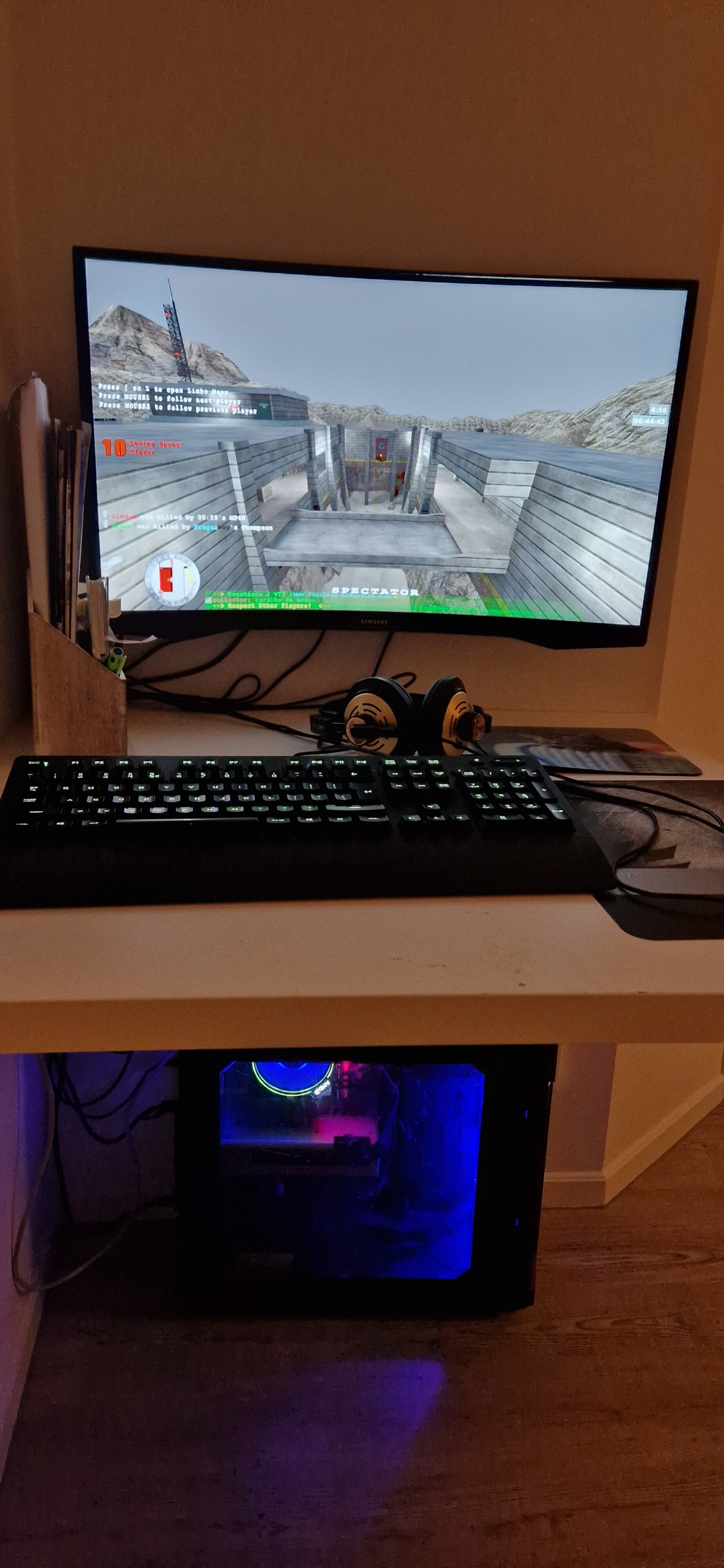
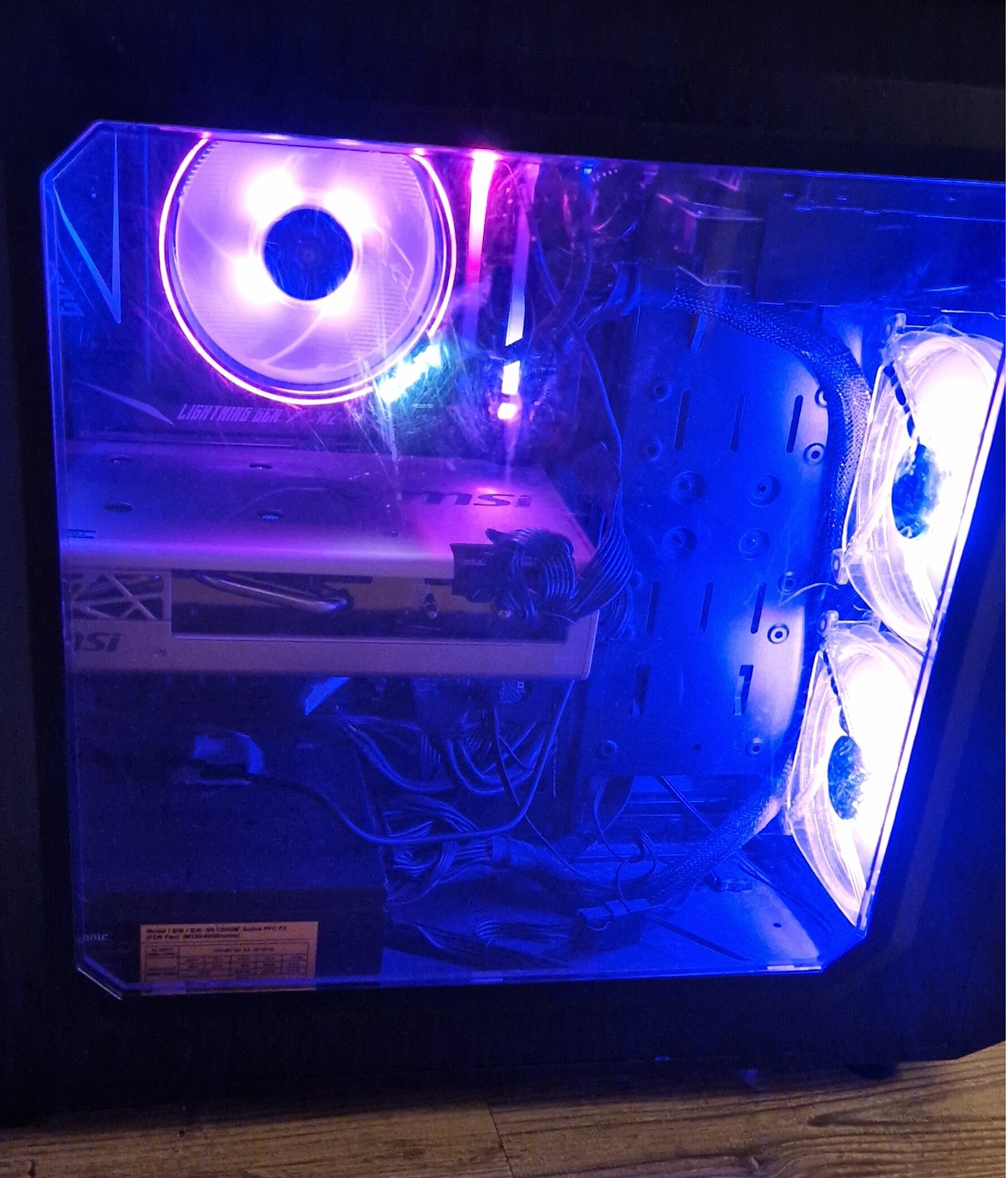
Hey everybody, I miss another topic here with show your gaming gear. So I thought I'd make a new one. So show here your game setup / pc / console or even mancave space where your are playing your favorite games: It's just for fun ?

-
Last night when I started playing ET on our server, anytime I used my left mouse button for the first 3 seconds, a circle would appear around my crosshair then disappear. Does anyone know about this and how I can turn it off?
-
Hello. I'm not sure if this topic should go to ET Support section, but because it is not linked to any FA servers I thought this would be a better place. For some time I wanted to make a couple fun meme videos which use some mechanics I can't use in a regular self hosted game. Usually I would start another match on a laptop, connect and record scenes on my main PC, and use both characters (players) at the same time. What limits me is lack of double-jumps and playdead options. If you know how to enable those settings in regular ET: Legacy I will be very thankful. But I think it should be still nice to know how to configure a private server. I have my own tiny private (physical) server at home running debian with couple services such as samba (file share) and minidlna (streaming to tv) on Debian linux. I have dedicated user account and user home directory just for ET server. Is is based on LinuxGSM. Setup was straightforward, it generated etlserver script which has a couple commands including start, stop, restart, monitor, details, etc. When started the server runs in the background. Next step was to download silent mod 0.9.0, and follow the instructions. Installation was a bit messy, and there was a problem with linking to omnibot_et.so. As opposed to LGSM, this time I started the server with following command: `./etlded +set dedicated 2 +set fs_game silent +set fs_homepath /home/etserver/serverfiles/ +exec silent.cfg`. It seems OK and log output looks fine, but when I want to connect to my server I get this error message: "VM_Create on cgame failed" "Make sure cgame.mp.i386.so exists in the mod's folder you're trying to run.". This file is indeed in silent mod directory on my PC. Linking to this file from various places does nothing. I even thought this file was needed on server side so I copied it there, but also no effect. All server and game binaries are 32bit. Do you know how to solve this problem?
-
Had an absolute blast on ETL US tonight! Hope to see more people! Some close games no drama tons of fun! /connect etl2.clan-fa.com:27950 Hope to have even more people tomorrow!
-
Preview video contains NO REAL HUMANS Omni-bots only video is NOT focused on good game play by me but showing what it can do If you’ve ever loved Omni-Bot but wished bots played the map more like real players do, this is it. Omni-Bot 2.0 Next (ML) takes the classic Omni-Bot framework and adds a machine learning “coach” on top — not to turn bots into laser-aim robots, but to make them smarter about movement, timing, positioning, and objectives. This is the upgrade that makes bots feel less scripted and more like a team that learns. 🧠 What Machine Learning actually does for Omni-Bot Traditional bots mostly rely on rules and routing: “Go here, do this, follow this path, repeat.” That works… until the match gets chaotic. Players flank. Teams rotate. The “best route” changes. Timing matters. Pressure matters. ML changes that. It helps bots learn the big picture of winning a match: ✅ 1) Smarter objective choices (not just “run to the flag”) ML helps bots decide: Should we plant now or regroup? Should I escort, defend, or hunt the disarmer? Is it smarter to rotate to the next objective instead of dying on this one? When should we commit to a push vs hold ground? Result: bots that stop wasting lives and start making plays. ✅ 2) Better routes and rotations (adaptive movement) Instead of always taking the same obvious path, ML can learn: safer routes when pressure is high faster routes when time is critical rotations that match what’s happening in the match positioning that supports team flow Result: bots that don’t feel like they’re on rails. ✅ 3) More natural map control and positioning Humans don’t just “go to objective.” They take control: hold angles set up near chokepoints rotate early when something feels off pull back when they’re outnumbered ML helps bots learn those patterns — the “why” behind movement. Result: bots that feel like they understand space, not just waypoints. ✅ 4) Team behavior gets better over time The biggest difference you’ll feel is that bots start behaving like a team: pressure and distraction plays better escort timing defending the right areas more often less random wandering and indecision Result: matches feel more like real ET games instead of target practice. ⚔️ The best part: combat stays classic Omni-Bot This is important. Omni-Bot 2.0 Next (ML) does NOT replace combat with ML. No weird “AI aim.” No robotic tracking. No “cheater bots.” ✅ The existing Omni-Bot combat system stays intact — aiming, firing, combat movement remains the trusted, battle-tested logic. 🛡️ Combat Gating (the secret sauce) When combat starts, the ML layer can automatically step back so bots stay responsive and fight like normal Omni-Bot. When the fight ends, ML takes over again to handle strategy and movement. Result: smart strategy + classic combat feel. 🎛️ Total control for server owners 🚫 Zero-impact disable If you turn ML off: ml_enable 0 …it has absolutely no effect on gameplay. No residual hooks. No behavior changes. It becomes classic Omni-Bot. ✅ Great for: testing vs baseline bots running “ML nights” / events keeping competitive servers consistent slowly rolling ML into your community 🧪 What you’ll notice immediately in-game You’ll see bots that: commit to objectives more reliably rotate with purpose instead of looping waste fewer lives on bad pushes take smarter routes depending on the match feel less predictable and more “player-like” Not perfect gods. Not aim demons. Just better ET brains. ⚙️ The Tech The ML layer uses reinforcement learning (PPO / Proximal Policy Optimization) to learn high-level decision making: where to go, what to prioritize, when to rotate, how to move more effectively. It’s basically training bots to optimize for winning outcomes while preserving what Omni-Bot already does well. ┌─────────────────────────────────────────────────────────────────────────┐ │ GAME ENGINE (ET) │ │ │ │ ┌─────────────────┐ ┌──────────────────────┐ │ │ │ Game Server │◄────── mod interface ───►│ Omni-Bot Library │ │ │ │ (qagame) │ │ (DLL/SO) │ │ │ └─────────────────┘ └──────────────────────┘ │ └─────────────────────────────────────────────────────────────────────────┘ │ ▼ ┌─────────────────────────────────────────────────────────────────────────┐ │ OMNI-BOT INTERNAL SYSTEMS │ ├─────────────────────────────────────────────────────────────────────────┤ │ │ │ ┌─────────────┐ ┌─────────────┐ ┌─────────────┐ ┌─────────────┐ │ │ │ IGame │ │ GoalManager │ │ Navigation │ │ Script │ │ │ │ Manager │ │ │ │ Manager │ │ Manager │ │ │ └─────────────┘ └─────────────┘ └─────────────┘ └─────────────┘ │ │ │ │ │ │ │ │ └─────────────────┴────────┬────────┴─────────────────┘ │ │ │ │ │ ▼ │ │ ┌──────────────────────────────────────────────────────────────────┐ │ │ │ CLIENT (Per-Bot) │ │ │ │ ┌──────────────┐ ┌──────────────┐ ┌──────────────────────┐ │ │ │ │ │ Sensory │ │ Targeting │ │ State Machine │ │ │ │ │ │ Memory │ │ System │ │ (High/Low Level) │ │ │ │ │ └──────────────┘ └──────────────┘ └──────────────────────┘ │ │ │ │ ┌──────────────┐ ┌──────────────┐ ┌──────────────────────┐ │ │ │ │ │ Weapon │ │ Steering │ │ Path Following │ │ │ │ │ │ System │ │ System │ │ │ │ │ │ │ └──────────────┘ └──────────────┘ └──────────────────────┘ │ │ │ └──────────────────────────────────────────────────────────────────┘ │ │ │ └─────────────────────────────────────────────────────────────────────────┘ Key Components IGame / Game Manager The IGame (Game Manager) acts as the central coordinator and is responsible for: Managing overall game state (e.g., round start/end, match time) Handling bot spawning and removal Dispatching events to bots Coordinating with the game engine through exports/integration points Client (Bot Instance) Each bot runs as a Client instance composed of multiple subsystems: Subsystem Purpose Sensory Memory Tracks what the bot has recently seen or heard Targeting System Selects and tracks enemies to engage Weapon System Chooses appropriate weapons and handles firing logic Steering System Controls low-level movement and obstacle avoidance State Machine Drives high-level behavior (e.g., attack, defend, patrol) Goal Manager The Goal Manager controls objective-driven behavior and map goals: MapGoals: Capturable flags, dynamite targets, construction sites, etc. Goal Queries: Bots request goals based on team, class/role, distance, and context Priority System: Goals are weighted and gated by availability/conditions Navigation Manager The Navigation Manager provides pathfinding and movement planning: Waypoint System: Pre-placed nodes defining walkable/navigation areas Path Planning: A* routing between waypoints Navigation Flags: Movement constraints and actions (jump, crouch, ladder, water, etc.) Bot Decision Loop Each frame, every bot executes the following update sequence: Update Sensory Memory Processes visible entities, audio cues, and recent damage events Target Selection Selects the highest-priority enemy target (or none) High-Level State Machine Combat states (when a valid target exists): Engage, take cover, retreat Objective states (when no target exists): Attack objective, defend, patrol Low-Level State Machine Executes the current action (e.g., move, shoot, use/interact) Steering Performs obstacle avoidance and path-following adjustments Output Sends final movement, aim, and fire commands to the game engine Waypoint Navigation Bots navigate using pre-authored waypoint files (.nav) and move through connected waypoint chains. Example waypoint chain: Waypoint A → Waypoint B → Waypoint C A: Jump flag (jump action required) B: Crouch flag (crouch action required) 😄 Ladder flag (ladder interaction required) Waypoint Data Model Each waypoint typically includes: Position: 3D world coordinates Connections: Links to neighboring waypoints Flags: Special movement requirements (jump, crouch, ladder, water, etc.) Radius: Arrival tolerance used to consider the waypoint “reached” ML Architecture The Omni-Bot ML system is composed of two primary components: the game-side ML adapter (Omni-Bot) and an external Python ML server. These components communicate over TCP using JSON messages. High-Level System Diagram ┌─────────────────────────────────────────────────────────────────┐ │ OMNI-BOT ML SYSTEM │ ├─────────────────────────────────────────────────────────────────┤ │ │ │ ┌───────────────────────┐ ┌──────────────────────────┐│ │ │ Game (Omni-Bot) │ TCP │ ML Server (Python) ││ │ │ │ JSON │ ││ │ │ ET_MLAdapter │◄───────►│ PPO Agent ││ │ │ ├─ MLController │ :27970 │ ├─ Policy Network ││ │ │ ├─ MLNetworkClient │ │ ├─ Value Network ││ │ │ └─ MLCombatState │ │ └─ Training Loop ││ │ │ │ │ ││ │ └───────────────────────┘ └──────────────────────────┘│ │ (C++ DLL/SO) (Python 3) │ │ │ └─────────────────────────────────────────────────────────────────┘ Game-Side Components (Omni-Bot) The game process hosts a native C++ adapter module responsible for collecting state, maintaining ML-related control logic, and issuing decisions back into Omni-Bot. ET_MLAdapter Primary integration layer within Omni-Bot. MLController Orchestrates ML-driven decision flow and determines when ML control is active. MLNetworkClient Manages TCP connectivity and JSON message exchange with the ML server. MLCombatState Tracks combat context and supports gating/disablement logic during firefights (where applicable). ML Server Components (Python) The ML server runs out-of-process in Python 3 and hosts the learning agent responsible for inference and training. PPO Agent (Proximal Policy Optimization) Reinforcement learning agent used to select actions based on game state. Policy Network: Produces action selections (movement/goal decisions) Value Network: Estimates expected returns for training stability Training Loop: Updates the model using collected experience data Communication Layer Protocol: TCP Encoding: JSON Endpoint: :27970 Flow: Bi-directional request/response (state → inference → action, plus optional training telemetry) 💻 Cross-platform support Built for: Windows Linux macOS (Intel + Apple Silicon) 🔥 OMNI-BOT 2.0 NEXT (ML) Old-school roots. Next-level brain. If you run servers, love ET, or want bots that finally play the game like it matters — this is the next era.
- 9 replies
-
- 12
-
-
-
-
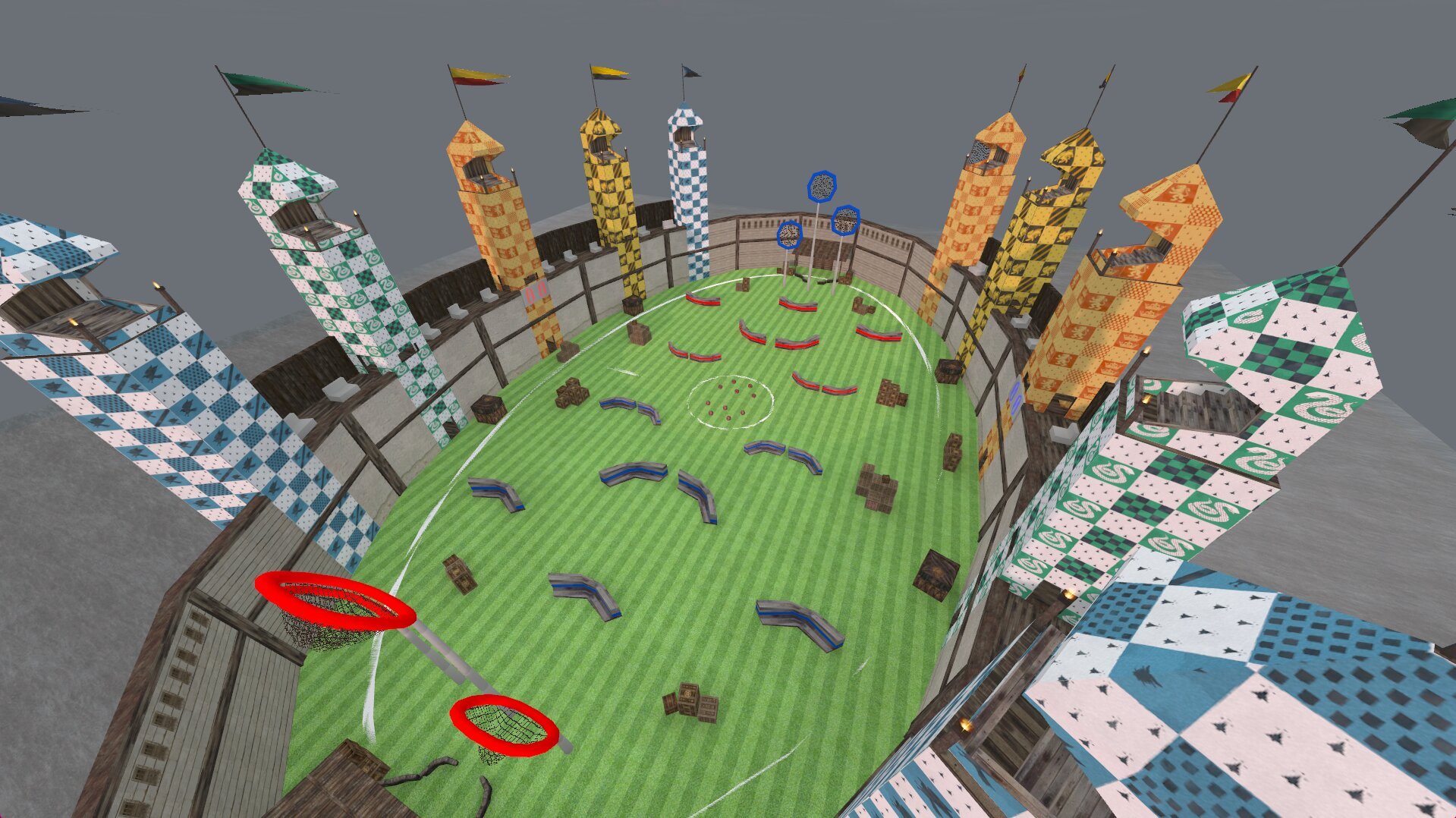
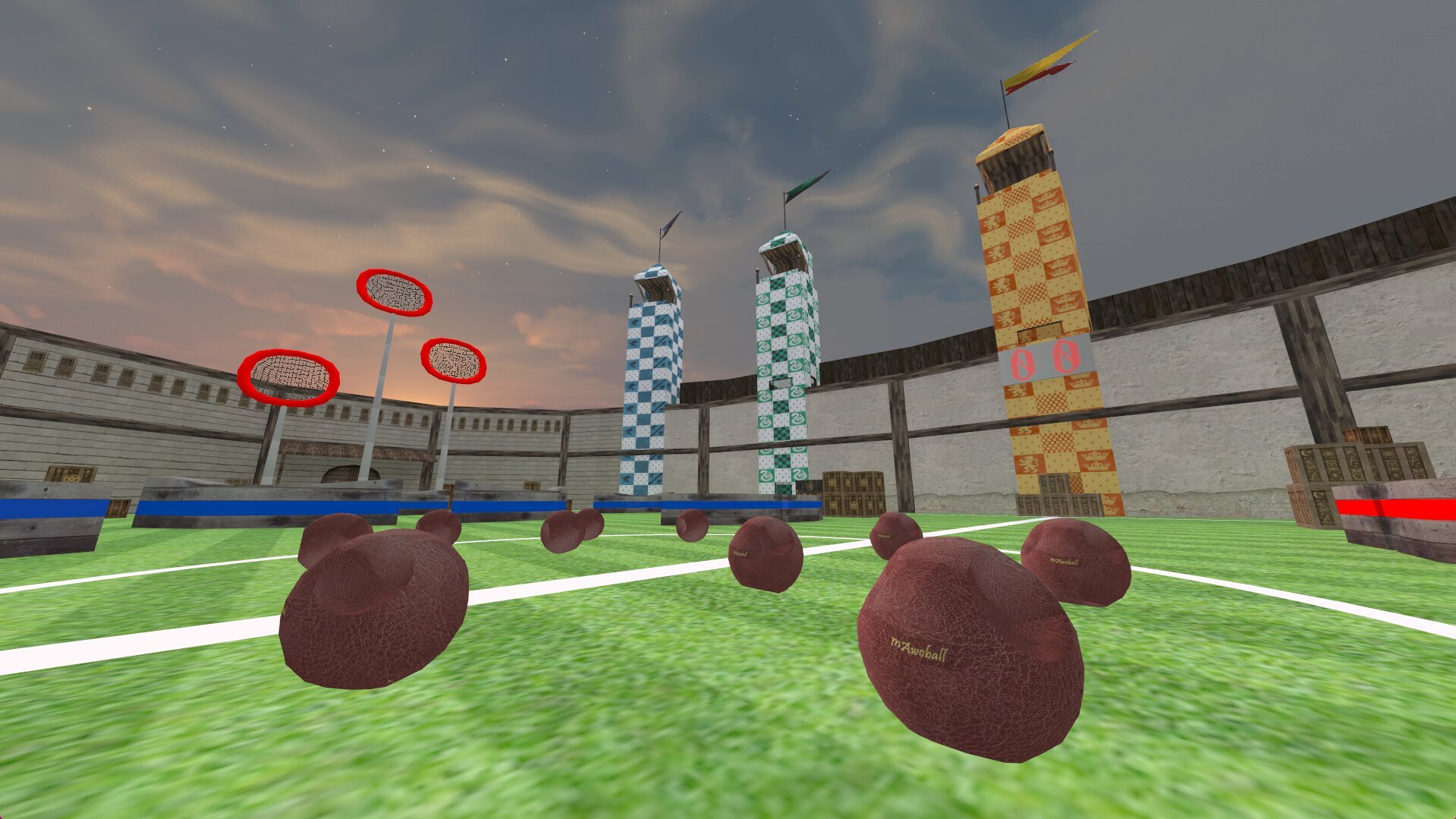
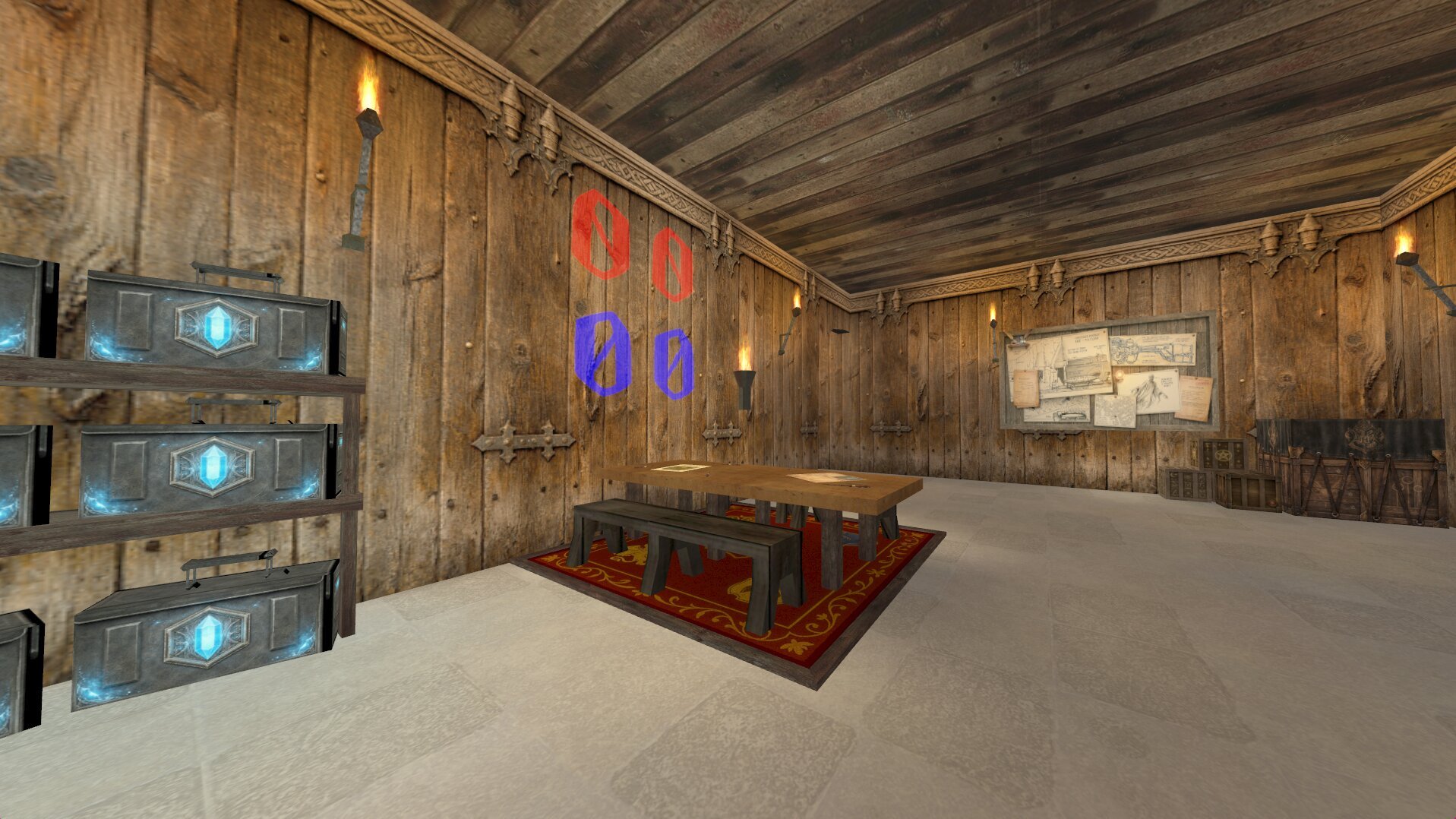
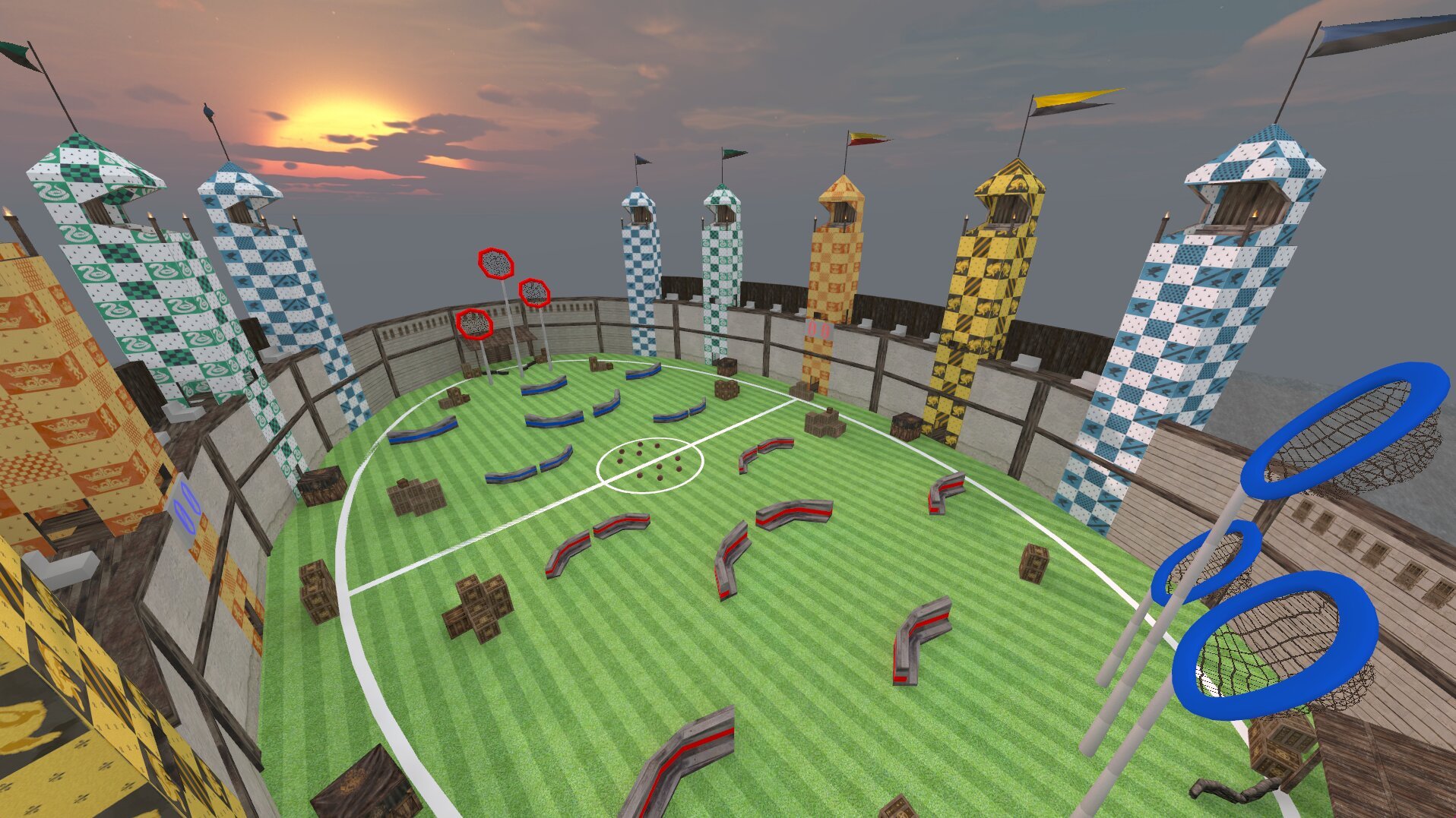
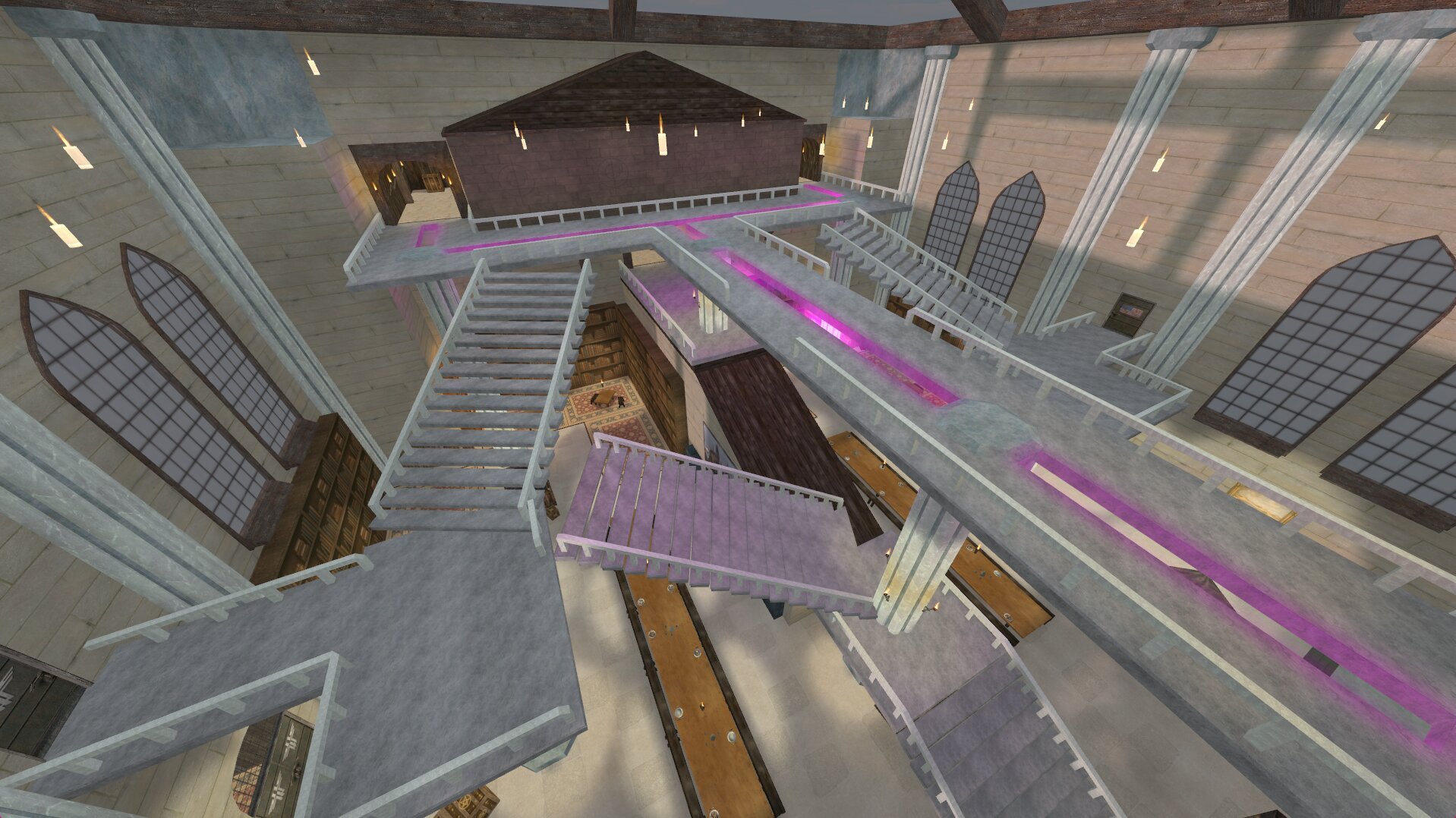
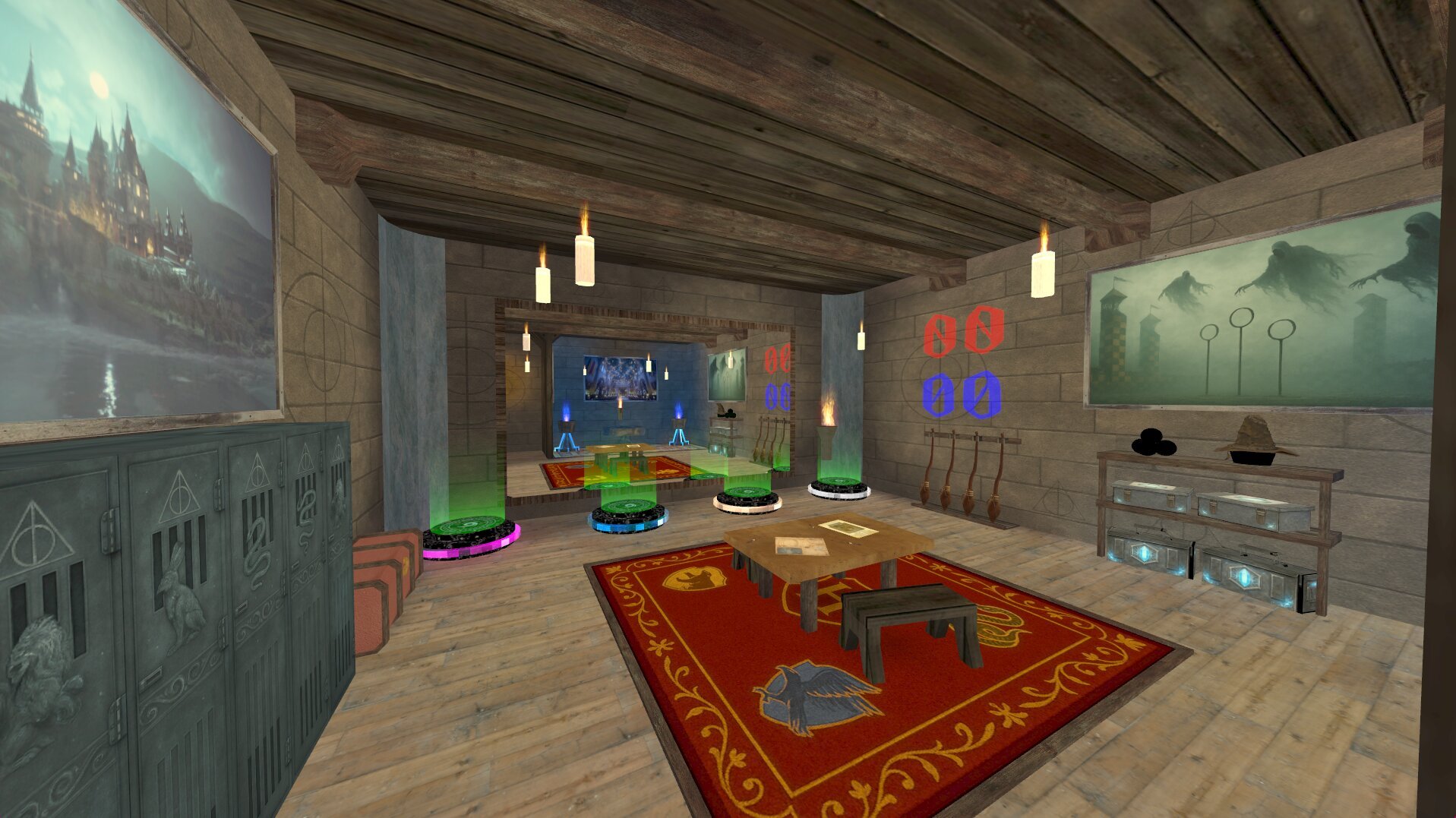
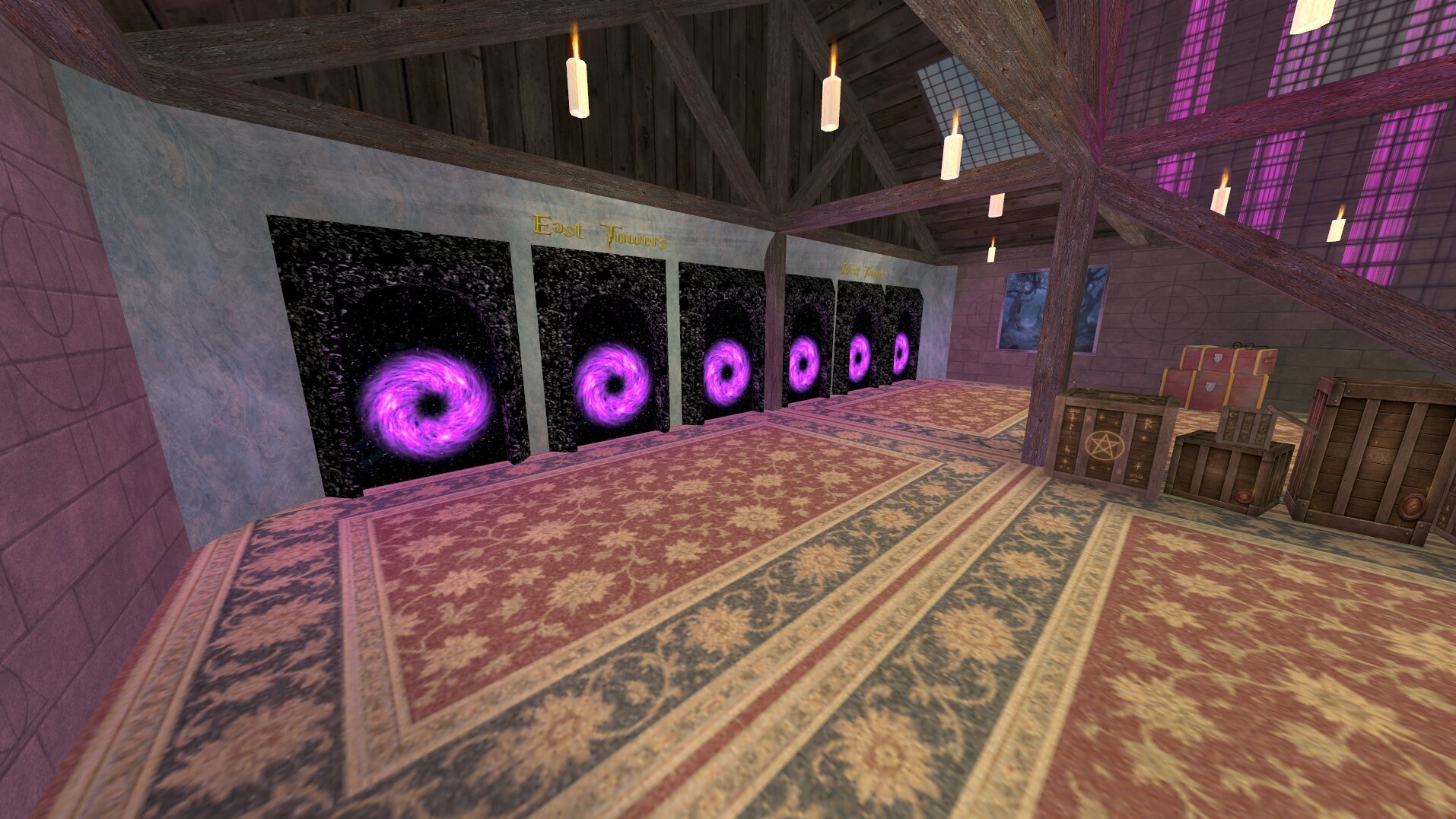
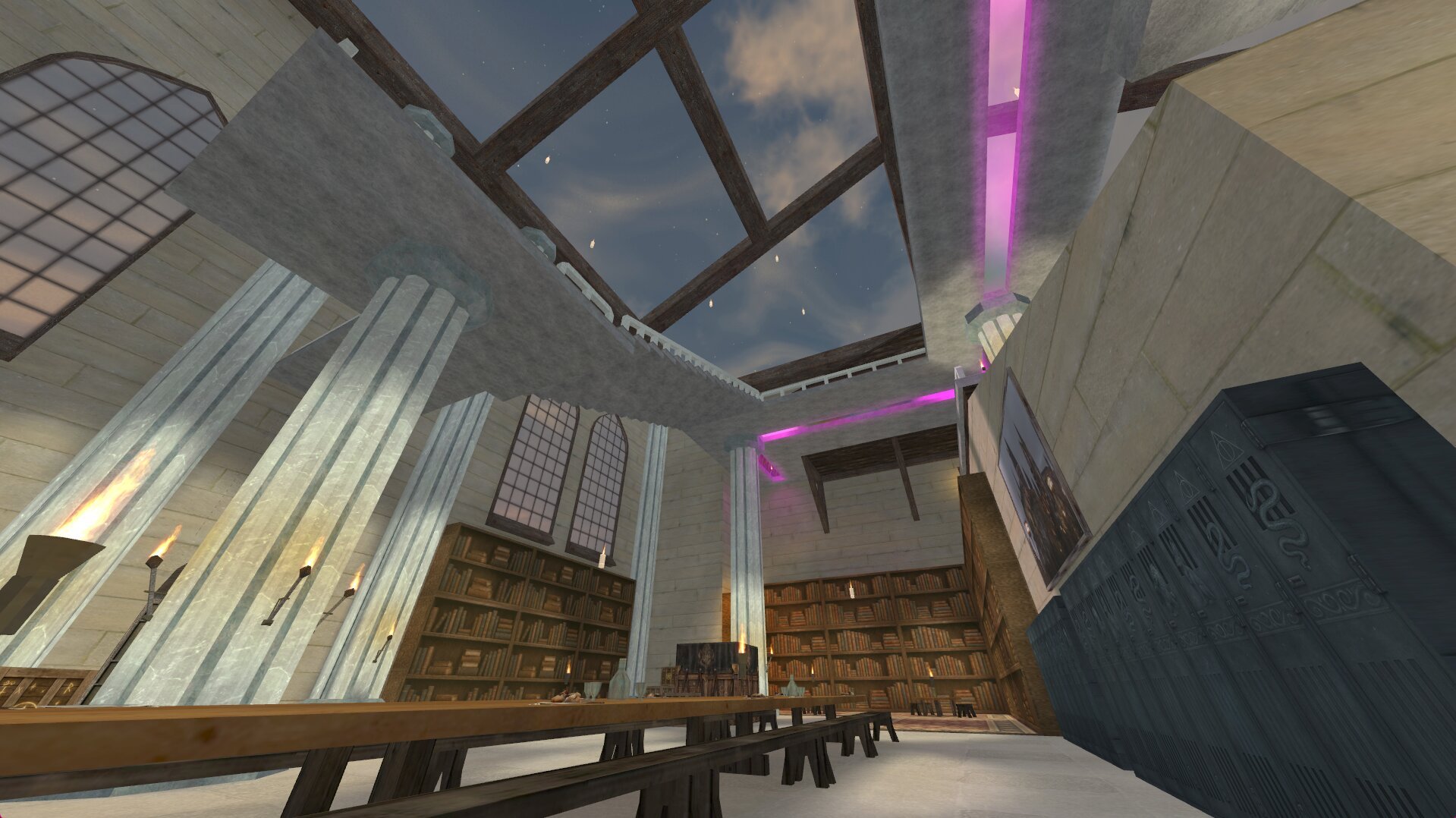
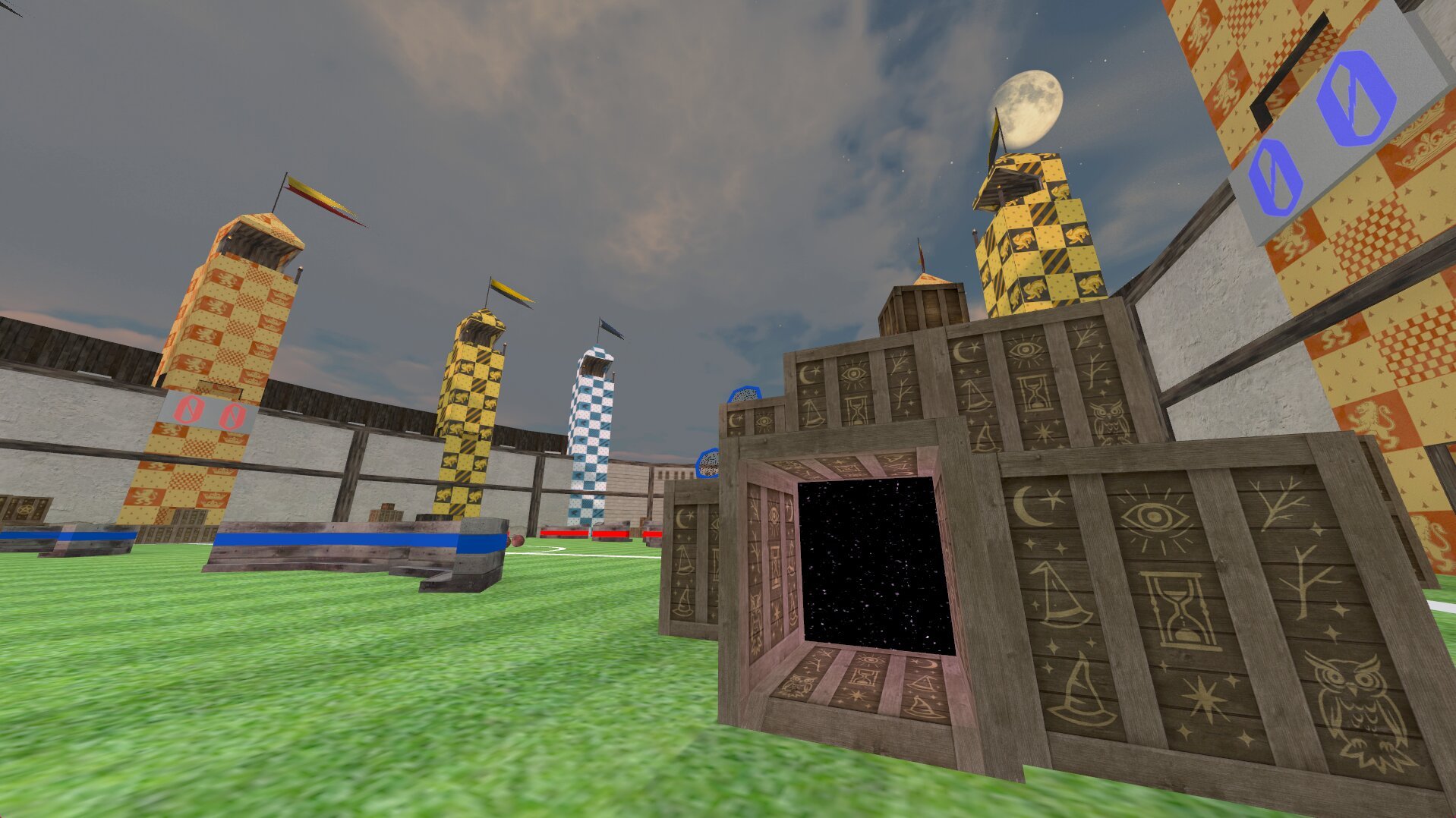
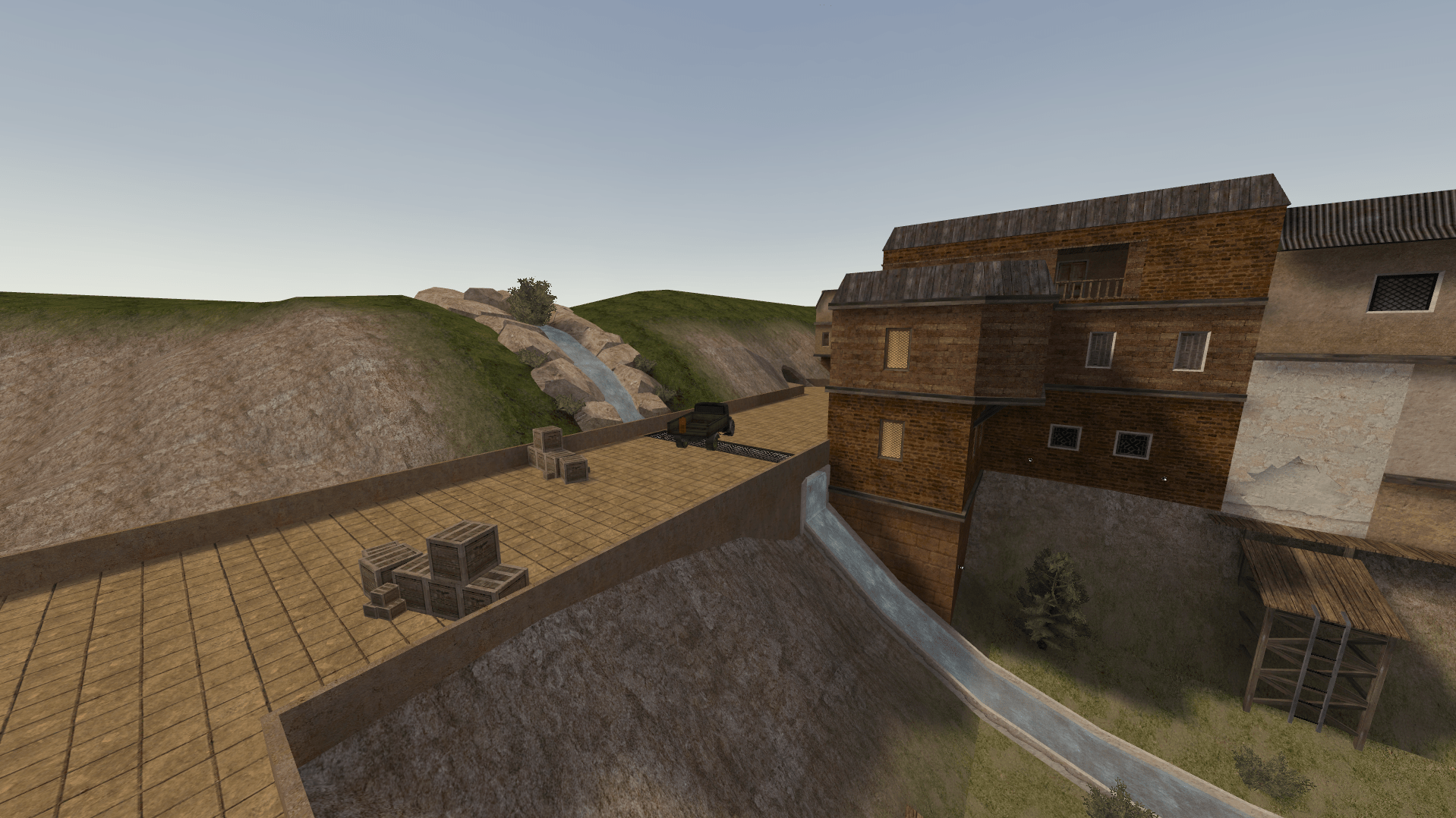
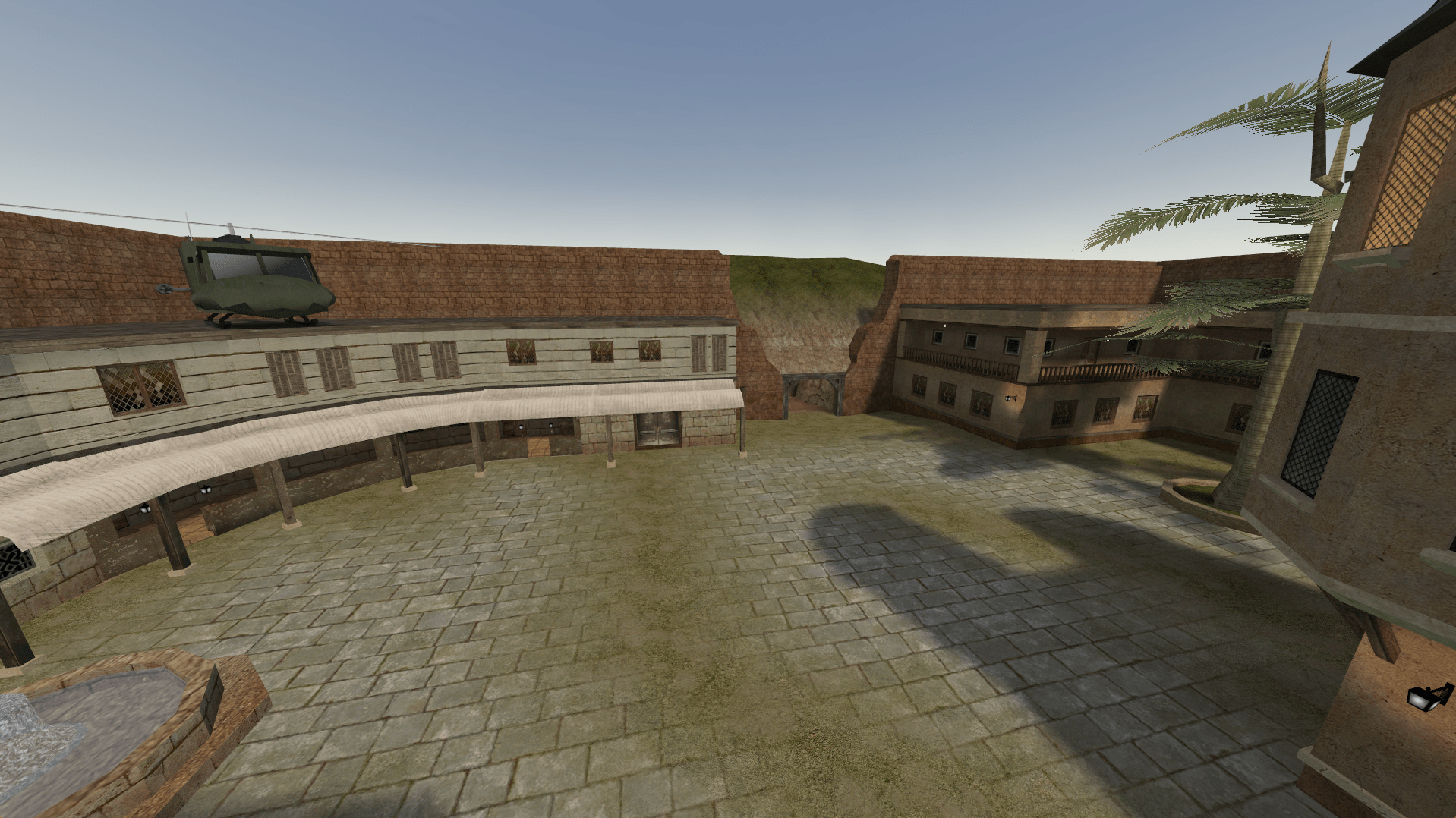
Hello ETPlayers! after months of messing around with brushes, shaders, parchment textures, and way too many magical particles… I’m excited to release my next map: Quidditch? A fast, chaotic, magical arena inspired by Hogwarts. Story: High above the enchanted grounds of Hogwarts, a magical competition unfolds under the sunset. Both teams enter the arena with the same goal: Steal the enchanted Quidditch ball and deliver it through the scoring rings before the enemy team does. No tanks. No barriers. No defending team. Just pure competitive chaos. 🎯 Objectives (Both Teams) Steal the enchanted Quidditch ball Deliver it through the scoring rings to score and win Simple. Fast. Fun. A pure arena‑style race. some ingame screenshots : Download link: not to forget big thanks to @meli @Hannu @phir0x @Aardappel @Lium and everyone that helped with testings and ideas ❤️ and as always huge thanks to @kemon and @Aciz for being there to answer my stupid questions all the time. special thanks for the amazing 3d models and textures by the one and only @mAw Let's keep ET alive!! /com_hunkmegs 128 Download ETLegacy for better experience
- 6 replies
-
- 30
-
-
-
-
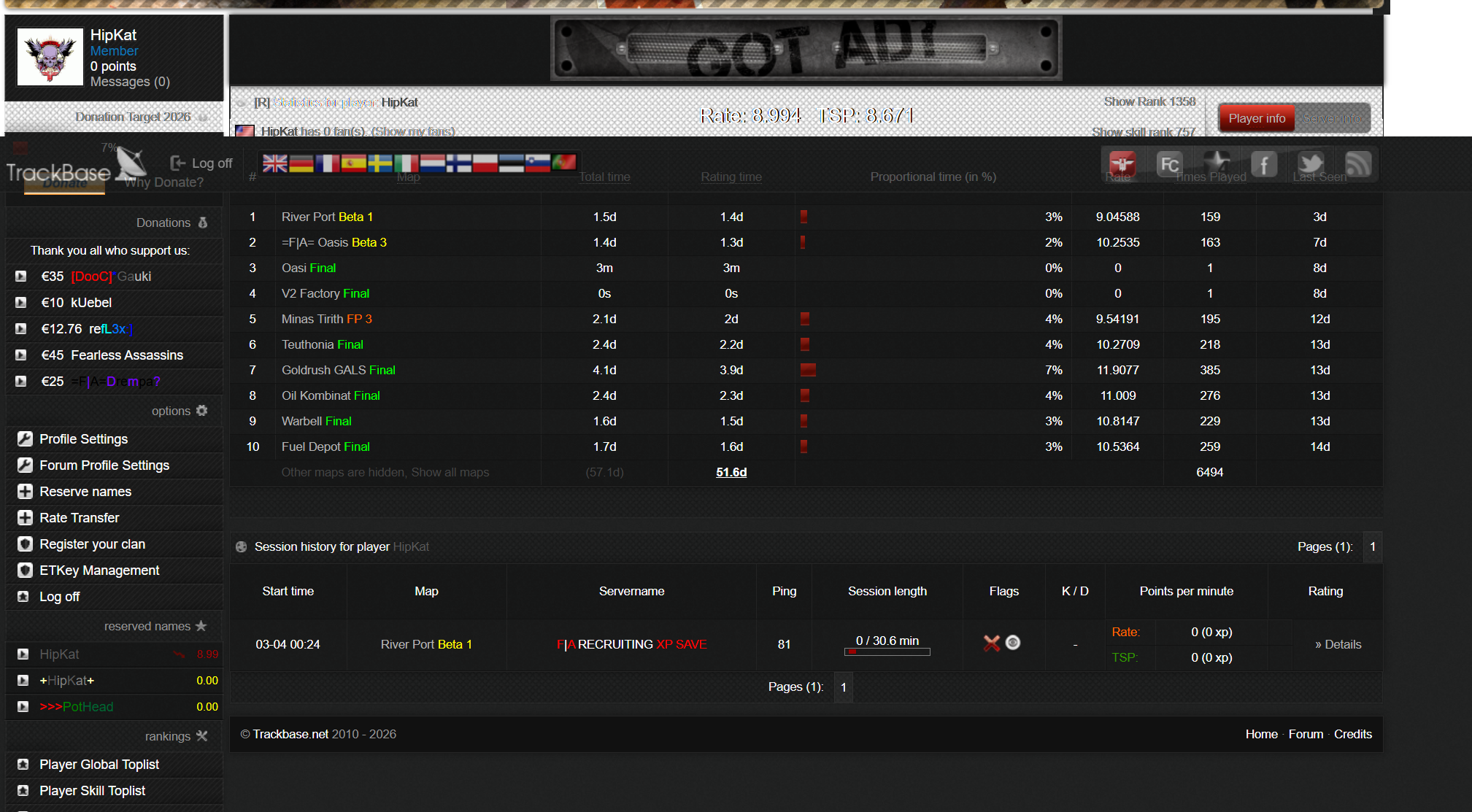
None of my games from March 3rd are showing up on TB, BUT they were all there for months as of last week. Anyone ever seen this??
-
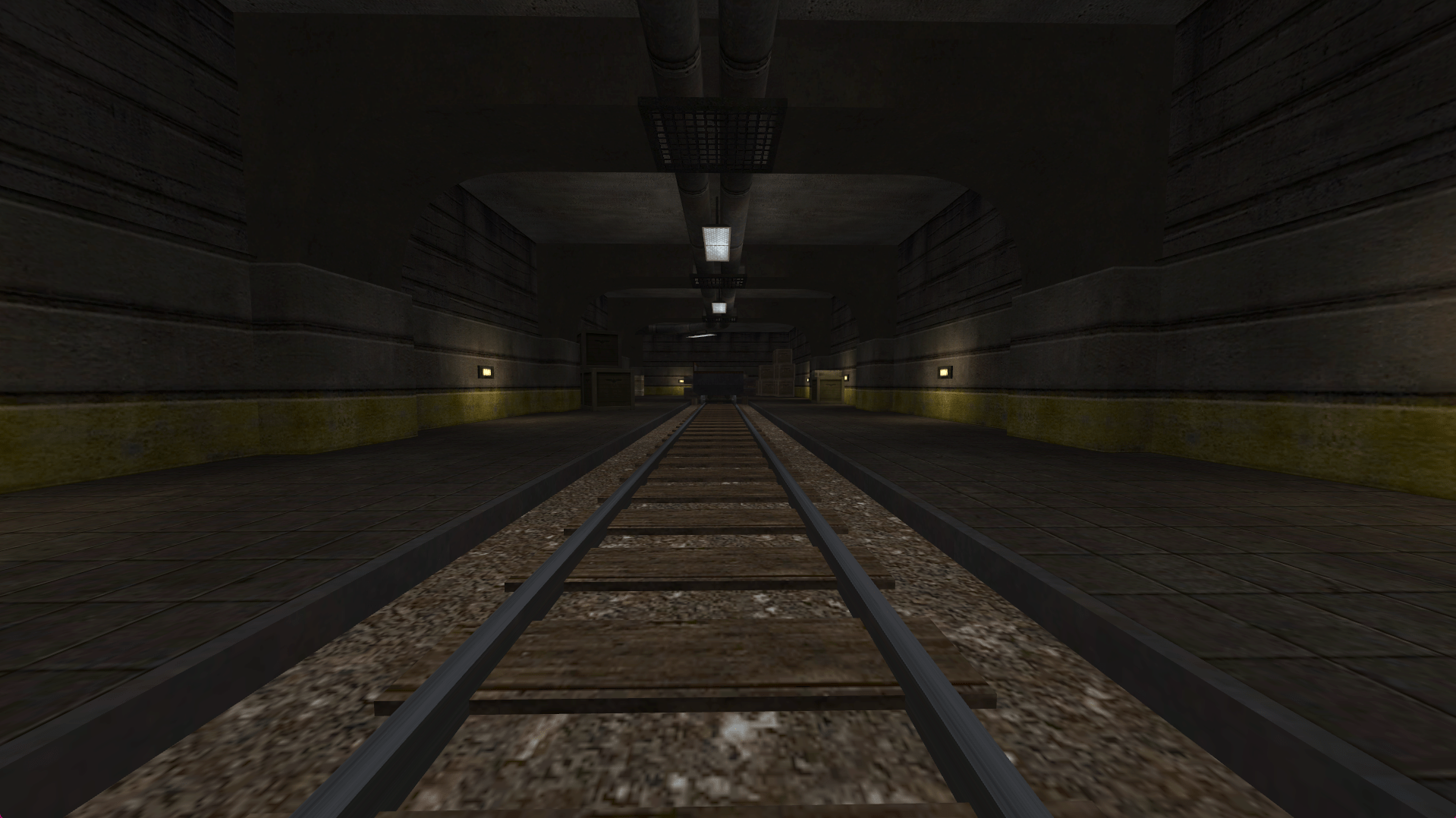
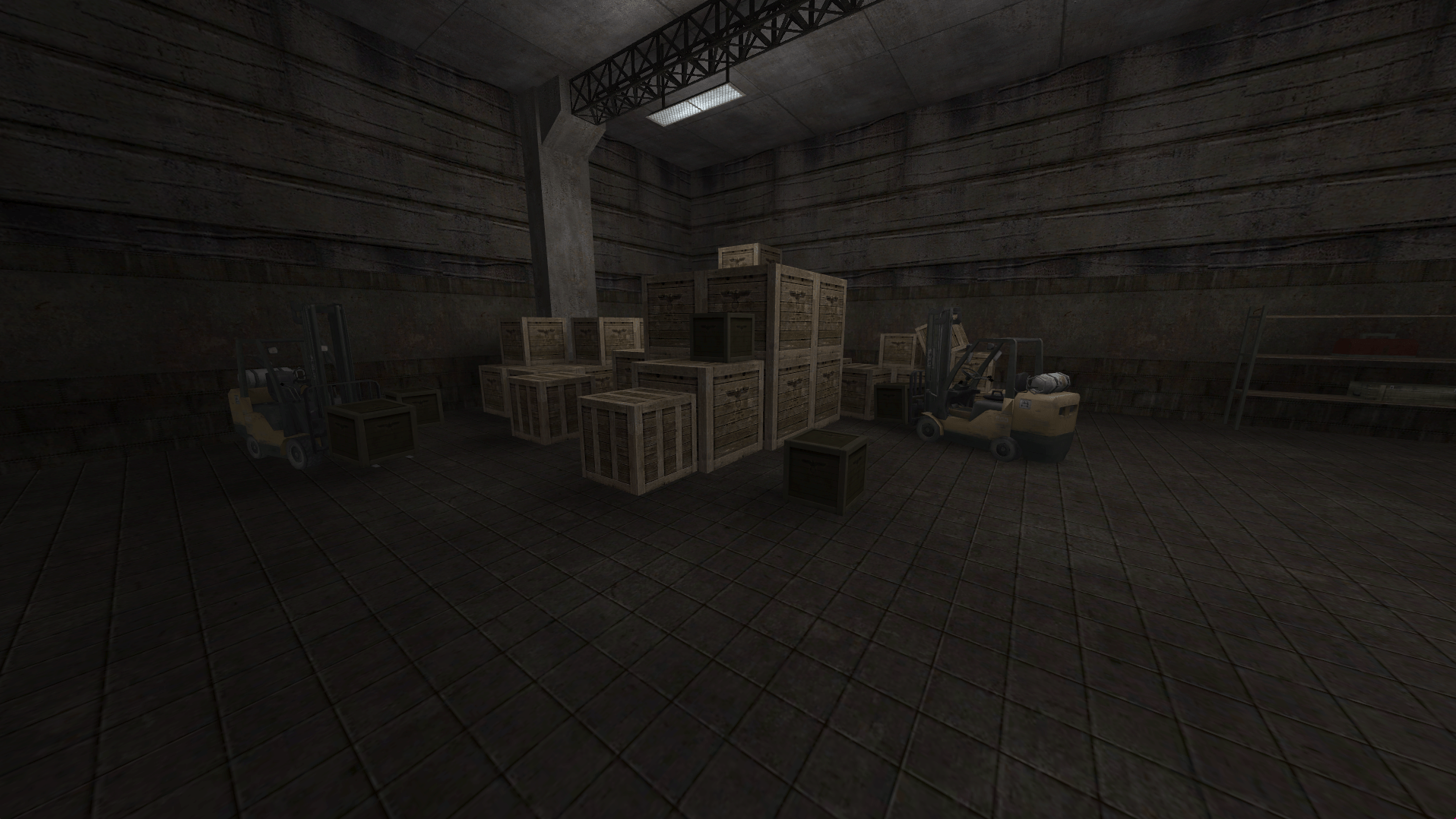
Hello ET Fraggers im happy to announce another remake of one of my favorite enemy territory maps, THUD IN THE SAND --> THUD IN THE GRASS You all know thud in the sand—that dusty, chaotic clash where bullets flew and boots sank into dunes. well, its evolved! say hello to thud in the grass, where the terrain’s greener, the cover’s thicker, and the frags are just as sweet. ive poured some serious hours into tweaking this one—new sightlines, sneaky spots for ambushes, and a vibe that’ll make you feel right at home whether you’re sniping heads or spraying with the smg's ? some ingame screenshots : Download link: special thanks to @meli @phir0x @razjee @RendeL @Kurre @Chuuu @kemon @pinn @Hannu @Nolles @Cloudy @Element @White Raven Lets keep ET ALIVE ?
- 20 replies
-
- 26
-
-
-
-
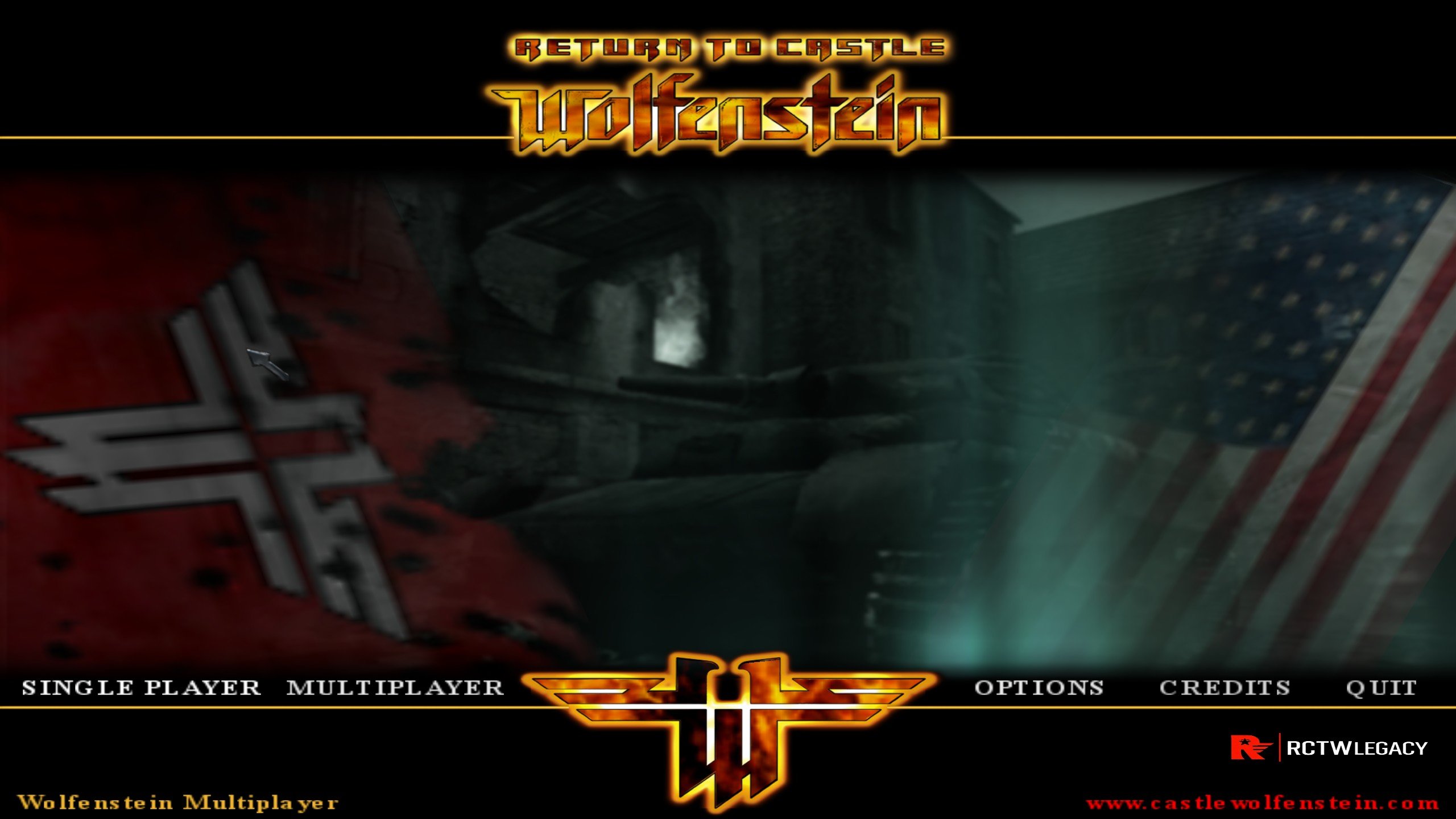
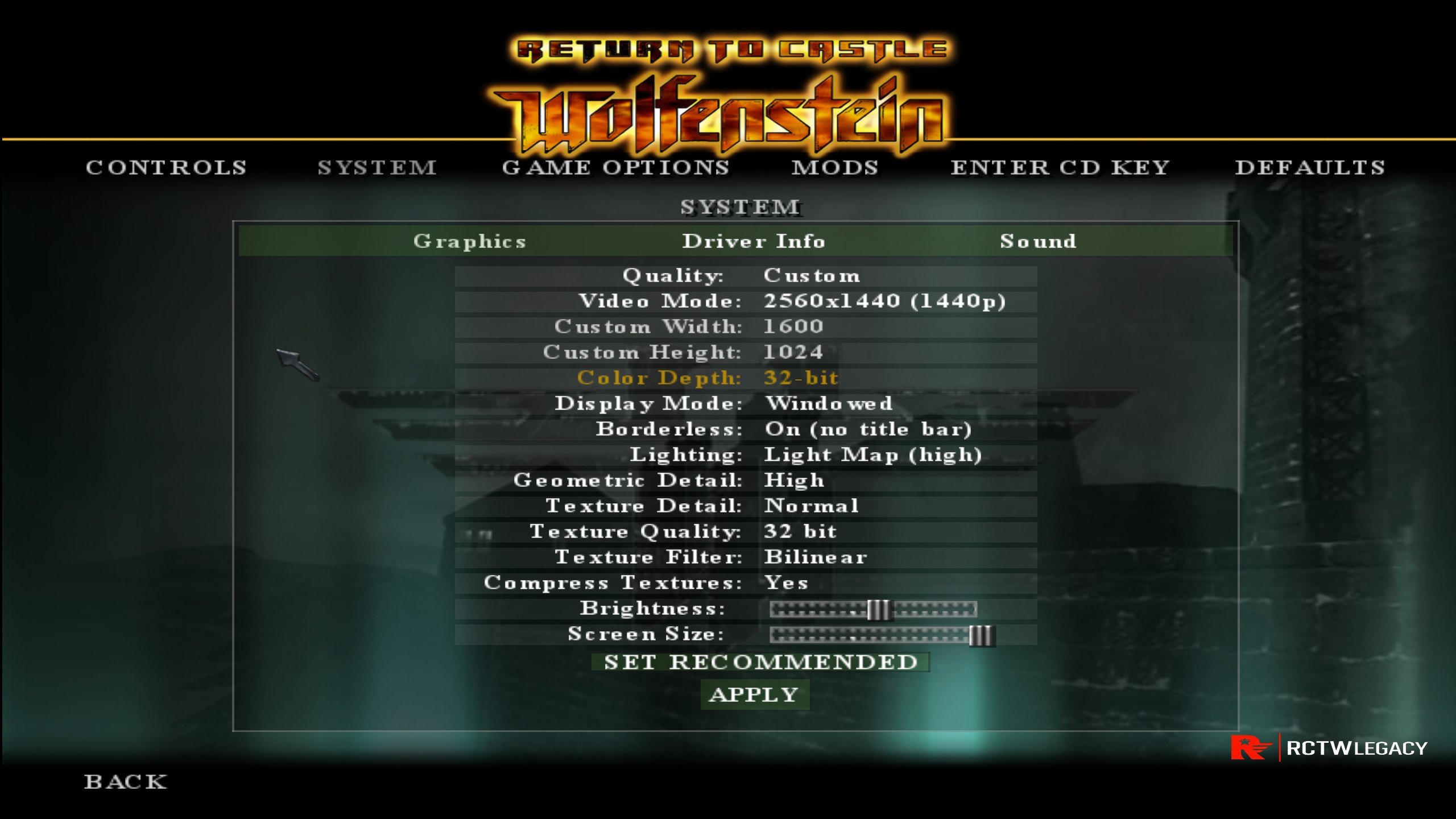
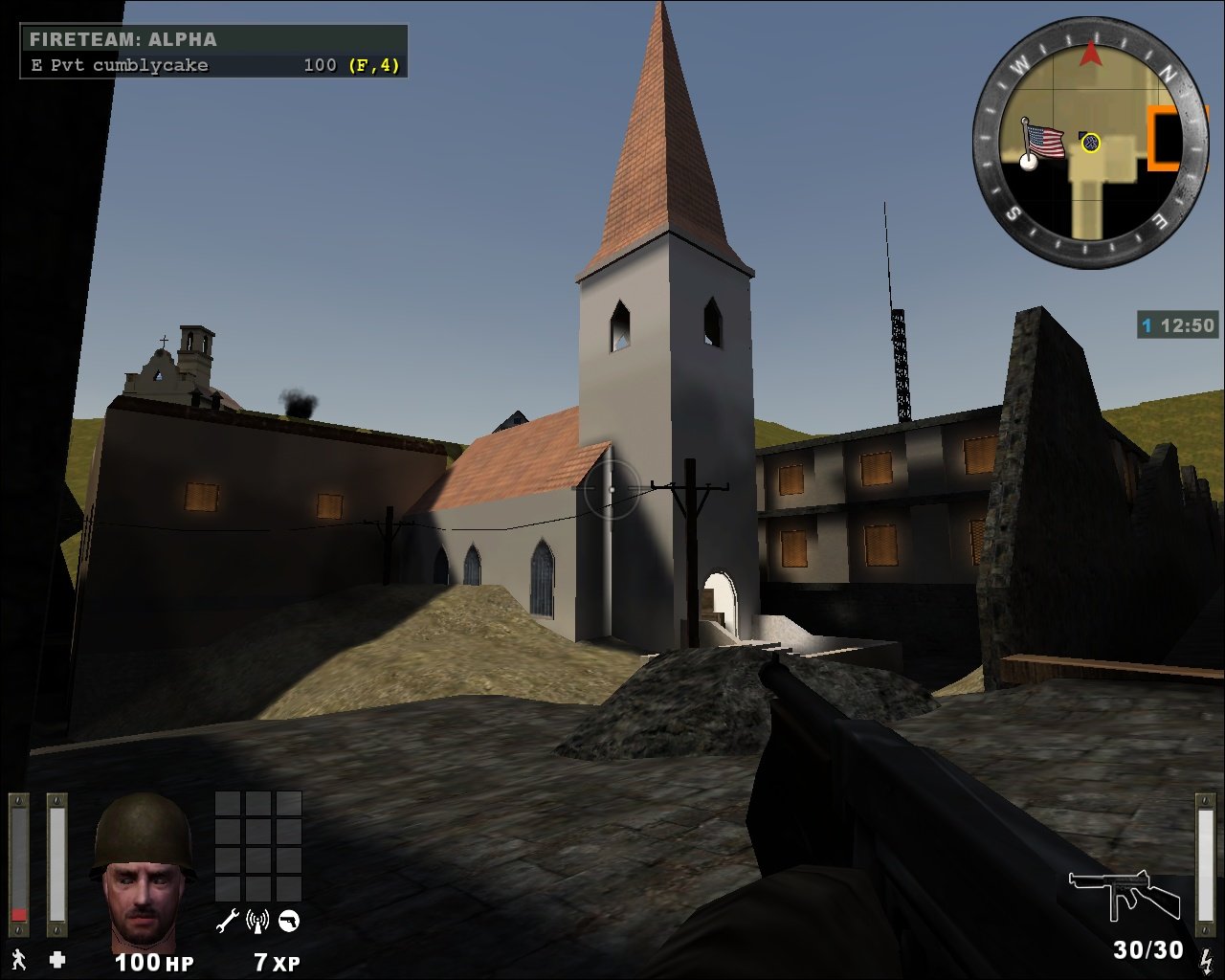
RTCW Legacy A remastered engine for Return to Castle Wolfenstein Multiplayer RTCW Legacy aims to be a fully compatible, modernized client and server for Return to Castle Wolfenstein Multiplayer, in the same spirit as ET: Legacy is for Wolfenstein: Enemy Territory. Features Engine Improvements SDL2 platform layer - Cross-platform window, input, and audio via SDL2 (replaces legacy Win32/X11 code) 64-bit support - Native x86_64 and ARM64 builds Modern CMake build system - Builds on Linux, Windows, and macOS PNG texture loading - Load .png textures alongside TGA/JPG (uses built-in DEFLATE decompressor, no libpng required) Persistent console history - Command history saved to rctwl-history and restored between sessions Display & Rendering Extended video modes - 21 preset modes from 320x240 up to 4K (3840x2160) Desktop resolution mode (r_mode -2) - Borderless fullscreen at your native desktop resolution Custom resolution mode (r_mode -1) - Set any resolution via r_customwidth / r_customheight Borderless window (r_noborder 1) - Windowed mode without title bar or borders Window centering (r_centerWindow 1) - Centers the game window on screen Resizable window (r_allowResize 1) - Allow window to be resized at runtime Configurable JPEG screenshot quality (r_screenshotJpegQuality) - Default 90, range 1-100 Networking & Downloads 6x faster UDP downloads - Download window increased from 8 to 48 blocks in flight (~1 MB/s vs ~170 KB/s) Higher server tick rate - sv_fps defaults to 60 for non-dedicated (faster downloads), 20 for dedicated Pure server compatibility - PK3 validation for both 32-bit and 64-bit clients, compatible with original RTCW 1.41b servers Compatibility Original server support - Connects to and validates against original RTCW MP 1.41b servers Mod DLL loading - Proper PK3 extraction and main/ directory fallback for mod DLLs Architecture-aware validation - Pure server checks use correct DLL names for x86, x64, and ARM builds Console Variables (CVars) Video / Display CVar Default Description r_mode -2 Video mode. -2 = desktop resolution (borderless fullscreen), -1 = custom resolution, 0-20 = preset modes (see table below) r_customwidth 1920 Custom resolution width (used when r_mode -1) r_customheight 1080 Custom resolution height (used when r_mode -1) r_customaspect 1 Custom pixel aspect ratio r_fullscreen 1 1 = fullscreen, 0 = windowed r_noborder 0 1 = borderless window (no title bar/frame) r_centerWindow 1 1 = center the window on screen r_allowResize 0 1 = allow resizing the game window r_allowSoftwareGL 0 1 = allow software OpenGL renderers r_sdlDriver "" Force a specific SDL video driver (read-only) Preset Video Modes (r_mode 0-20) Mode Resolution Notes 0 320x240 1 400x300 2 512x384 3 640x480 Fallback mode 4 800x600 5 960x720 6 1024x768 7 1152x864 8 1280x1024 9 1600x1200 10 2048x1536 11 856x480 Widescreen 12 1280x720 720p 13 1366x768 14 1440x900 15 1680x1050 16 1920x1080 1080p 17 1920x1200 18 2560x1440 1440p 19 2560x1600 20 3840x2160 4K OpenGL Extensions CVar Default Description r_ext_compressed_textures 1 Enable compressed texture support r_ext_multitexture 1 Enable multitexture extension r_ext_compiled_vertex_array 1 Enable compiled vertex arrays r_ext_texture_env_add 1 Enable GL_EXT_texture_env_add r_ext_gamma_control 1 Enable hardware gamma control r_ext_NV_fog_dist 0 Enable NVidia fog distance extension r_ext_ATI_pntriangles 0 Enable ATI PN triangles (TruForm) r_ext_texture_filter_anisotropic 0 Enable anisotropic texture filtering Screenshots CVar Default Description r_screenshotJpegQuality 90 JPEG screenshot quality (1-100). Higher = better quality, larger files Screenshot commands: screenshot - Save a TGA screenshot screenshotJPEG - Save a JPEG screenshot (uses r_screenshotJpegQuality) Sound (SDL2) CVar Default Description s_bits 16 Audio bit depth (8 or 16) s_sdlDevSamps 0 SDL audio device buffer size (0 = auto) s_sdlMixSamps 0 SDL audio mix buffer size (0 = auto) Input CVar Default Description in_mouse 1 Enable mouse input in_nograb 0 1 = don't grab the mouse cursor (useful for debugging) in_joystick 0 1 = enable joystick/gamepad input Server CVar Default Description sv_fps 20 / 60 Server frame rate. 20 for dedicated, 60 for listen servers (higher = faster downloads) Map Voting CVar Default Description g_mapVoteEnabled 0 Enable end-of-round map voting g_mapVoteMaxMaps 6 Number of candidate maps to show g_mapVoteTimeout 15 Seconds players have to vote g_mapVoteMinAge 2 Minimum rounds before a map can appear again g_mapVoteExcludedMaps "" Comma-separated list of maps to exclude from voting Engine CVar Default Description com_maxfps 85 Maximum client framerate com_hunkMegs 56 Hunk memory allocation in MB com_zoneMegs 16 Zone memory allocation in MB con_notifytime 7 Seconds to display console notify messages con_debug 0 Enable console debug output Lua Scripting RTCW Legacy includes a built-in Lua 5.4 scripting engine for server-side game logic, compatible with the ET Legacy Lua API. Lua is enabled by default. Loading Lua Scripts Lua scripts are loaded by the server via the lua_modules cvar. Set it in your server config (e.g. rctwl_server.cfg😞 set lua_modules "luascripts/myscript.lua" To load multiple scripts, separate them with spaces: set lua_modules "luascripts/script1.lua luascripts/script2.lua" Alternatively, you can use the g_luaModuleList cvar to point to a text file containing one script path per line (if set, lua_modules is ignored): set g_luaModuleList "luascripts/modulelist.txt" Where to Put Lua Scripts Lua scripts go in your game data directory under main/: main/ ├── luascripts/ # Your Lua scripts here │ ├── myscript.lua │ └── wolfadmin/ # WolfAdmin scripts (if installed) │ └── main.lua ├── lualibs/ # Lua library modules └── pak0.pk3 # Original RTCW game data The game data directory location depends on your platform: Platform Default path Linux ~/.wolf/main/ or alongside the executable Windows Alongside the executable in main/ macOS ~/Library/Application Support/RTCW/main/ Restricting Lua Modules For security, you can restrict which Lua scripts are allowed to load using the lua_allowedModules cvar. Set it to a space-separated list of SHA-1 hashes of allowed scripts: set lua_allowedModules "abc123def456 789abc012def" When empty (default), all scripts are allowed. LuaSQL (SQLite3) RTCW Legacy bundles SQLite3 and enables LuaSQL by default. This allows Lua scripts to use SQLite databases for persistent storage (player stats, admin records, etc.): -- Example: open a database in a Lua script local luasql = require("luasql.sqlite3") local env = luasql.sqlite3() local db = env:connect("main/luascripts/mydata.db") db:execute("CREATE TABLE IF NOT EXISTS players (guid TEXT, name TEXT)") To disable LuaSQL, build with -DFEATURE_LUASQL=OFF. Lua CVars CVar Default Description lua_modules "" Space-separated list of Lua scripts to load at map start lua_allowedModules "" Space-separated SHA-1 hashes of allowed scripts (empty = allow all) WolfAdmin (Server Administration) WolfAdmin is a Lua-based server administration suite providing player management, command permissions, and database-backed admin features. It is fully compatible with RTCW Legacy. Automatic Install (Build Time) Build with the INSTALL_WOLFADMIN option to download and install WolfAdmin automatically: mkdir build && cd build cmake .. -DINSTALL_WOLFADMIN=ON make -j$(nproc) This downloads WolfAdmin and places it in the build output: build/main/ ├── luascripts/wolfadmin/ # WolfAdmin Lua scripts ├── lualibs/ # WolfAdmin Lua libraries └── wolfadmin.toml # WolfAdmin configuration Manual Install Download WolfAdmin from https://dev.timosmit.com/wolfadmin/ Extract the archive Copy luascripts/, lualibs/, and config/*.toml into your main/ directory Enabling WolfAdmin Add this to your server config: set lua_modules "luascripts/wolfadmin/main.lua" Then edit wolfadmin.toml in your main/ directory to configure admin settings, database path, and permissions. Example Server Config A default server config is provided at misc/main/rctwl_server.cfg. Copy it to your main/ directory and customize as needed: cp misc/main/rctwl_server.cfg /path/to/main/rctwl_server.cfg Then launch the server with: ./rctwlded +exec rctwl_server.cfg Game Data RTCW Legacy does not include any game data. You must have a copy of Return to Castle Wolfenstein installed. The original game data files are required: pak0.pk3 (and other pk3 files from the Main directory) RTCW is available on Steam and GOG. No longer will RCTW fans be neglected RCTWLegacy is coming soon! Complete with an RCTWLegacy mod similar to ETLegacy! Credits id Software - Original RTCW engine and game ET: Legacy Team - Inspiration, reference implementation, lots of copy pasta LOTS.. seriously lots RTCW Legacy Contributors RNGesus - Modernization and maintenance
- 12 replies
-
- 14
-
-
-
-
-
Hi, Some of you hopefully remember me, *gladiator* (black stars, red name). In early 2025 I stopped playing ET and started to play battlefield 3. Now there are admins in that game that ban me and think I've been a cheater etc.. It would be nice if a few old faithful FA members could indeed remember how I played, and whether I had cheats or not. I know it sounds silly, but I'm asking for a favor from you guys :). I'll delete the thread in a few days if it is deemed too off-topic.
-
ETLModern, a project built to bring a true modern FPS feel into Wolfenstein: Enemy Territory. We’re talking: Aim Down Sights Lean and Shoot Drivable Tanks Conquest Mode on any map That’s right. Any map. ETLModern’s Conquest system lets admins place capture zones directly in game using a GUI, save them, and have them load back in the exact same spots every time the map starts. No map mods. No custom map rebuilds. No nonsense. Just fast setup, repeatable objectives, and a whole new way to play ET. This is an attempt to push Enemy Territory into a new era while keeping the spirit of the game alive. Classic ET chaos with modern FPS mechanics layered on top. If you’ve ever wanted to see ET with more tactical gunplay, more vehicle action, and a mode that can transform practically any map into a battlefield, ETLModern is for you. Check out the video and see what Enemy Territory can become.
- 3 replies
-
- 19
-
-
-
-
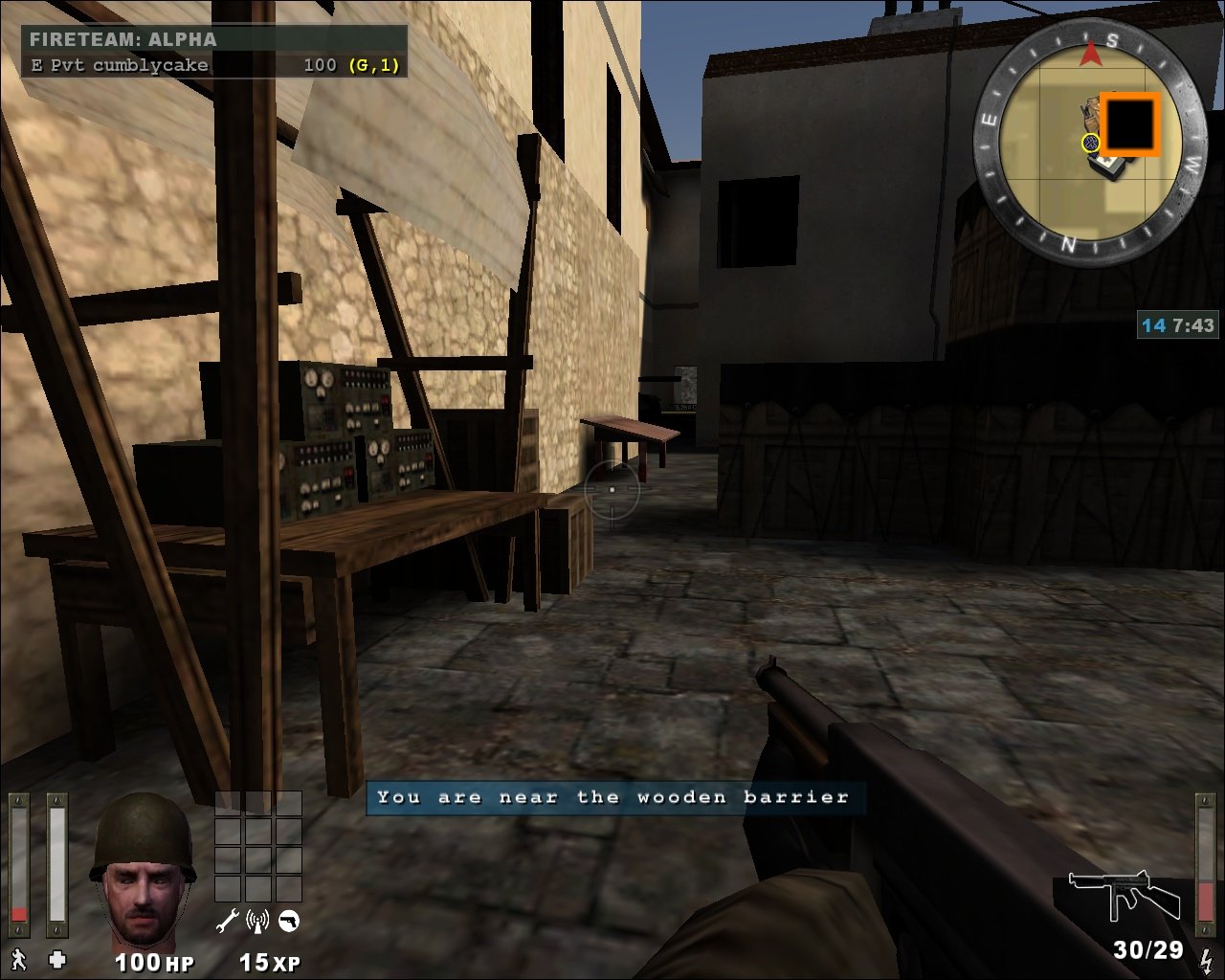
I was inspired by Day of defeat's map called Avalanche to create it map for wolfet. the original map was a territory capture control map. But I made this a capture the docs map instead. There are other objectives like, destroy the gate and wooden barrier that protects the docs. But other than that, this map is almost the same as Avalanche. Enjoy! Download map here at mediafire: https://www.mediafire.com/file/xg97u...anche.pk3/file
-
I plan to translate the game into Arabic. I have no experience with it, but I will try. Is there a way to make the game engine support it, and what files are required? Thank you all
-
We just dropped the Ashes of War main theme. It has a strong nod to the original Enemy Territory theme, while pushing the sound into something new for AoW. Huge thanks: Burning Bridges the band vocals & drums RNGesus guitar work, synth, and mixing Please take 2 minutes and tell us what you think this directly helps us finalize the soundtrack direction. Wolf ET theme Ashe of war theme with a strong nod to it
- 4 replies
-
- 11
-
-
-




.thumb.jpg.d25d7b2a719ce228241ff88c71045671.jpg)

.thumb.png.5a3eeca736d04c3fca62c7ba1687930a.png)